
Step 1: Open the Jeetbuzz iOS download page
Tap the "Download iOS App" button below on your iPhone or iPad. Your browser opens the Jeetbuzz mobile site optimised for iOS. Make sure you use Safari for the best app-style setup.
Install the official Jeetbuzz app on your iPhone or iPad and bet in rupees on sports and casino games. The app is built for India players who want fast betting, easy payments, and quick withdrawals. You get Free 7 Lukcy Spins on Slots & Fishing, 25% Cashback on Live Casino & Table Game, and 50% Sports Refund after joining. Tap the button below, download Jeetbuzz for iOS, and start playing in a few minutes.
Free 7 Lukcy Spins (Slots & Fishing), 25% Cashback (Live Casino & Table Game), 50% Sports Refund

The Jeetbuzz mobile app gives you sports betting, live casino, slots, and fishing games in one iOS app. You can deposit and withdraw in INR using popular India payment options and enjoy local bonuses on your phone.
| Feature | Details |
|---|---|
| Approx. app size | Around 1–2 MB (PWA shortcut, uses web storage) |
| Last update | Updated regularly on server side for odds, games, and security |
| Casino offers | Free 7 Lukcy Spins on Slots & Fishing, cashback on Live Casino & Table Game, extra promos on top providers like Pragmatic Play |
| Sports bonuses | 50% Sports Refund, boosted odds on cricket and football, regular event promos |
| Supported languages | English, Hindi interface support (where available), international game lobbies |
| Payment methods | UPI, Paytm, PhonePe, Google Pay, NetBanking, major bank cards, popular India wallets |
| Promo code support | Promo code field available for selected bonuses during sign-up or deposit |
You get a light, fast iOS experience that stays updated automatically and lets you move from install to first bet very quickly.
The Jeetbuzz iOS experience works as a light app-style shortcut that you add from Safari. It takes only a few steps and no heavy installation.
Tap the "Download iOS App" button below on your iPhone or iPad. Your browser opens the Jeetbuzz mobile site optimised for iOS. Make sure you use Safari for the best app-style setup.
On the page, tap Sign Up if you are a new user or Login if you already have an account. Fill in your mobile number, password, and any promo code, then confirm. You need an account to access real money betting and casino games.
After logging in, tap the Share icon in Safari. In the options, select "Add to Home Screen". Confirm the name "Jeetbuzz" and tap Add. An app-style icon now appears on your home screen.
Tap the Jeetbuzz icon to open the app view in full screen. Log in once and stay signed in for faster bets. You now get app-level access to sports, casino, deposits, and withdrawals directly from your home screen.
Here are the basic technical requirements so your Jeetbuzz app runs smoothly on iPhone or iPad.
| Requirement | Minimum spec |
|---|---|
| iOS version | iOS 11.0 or higher |
| Processor | Dual-core 1.4 GHz or better (iPhone 6s or newer level) |
| RAM | At least 2 GB for stable live betting and casino play |
If your device meets these specs, you can bet, play, and cash out without lag in most conditions.
The Jeetbuzz iOS app-style shortcut works on most modern Apple devices used in India:
If your Apple device runs iOS 11 or later, you can install the Jeetbuzz shortcut and start playing.
Jeetbuzz offers a PWA (Progressive Web App) style experience on iOS. You get an icon on your home screen that opens in full-screen like a native app.
Tap the "Start using!" button below on your iPhone or iPad. Safari opens the Jeetbuzz mobile site that works as a PWA.
Tap Sign Up and fill in your mobile number, password, and currency as INR. Confirm the OTP if asked. As a registered user, you can claim Free 7 Lukcy Spins, cashback, and sports refunds inside the app.
After logging in, tap the Share icon at the bottom of your Safari window. A menu slides up showing actions for the page.
In the menu, select "Add to Home Screen". Confirm the Jeetbuzz name and tap Add. You now have a Jeetbuzz app icon that you can open anytime for fast betting and casino access.
After you install Jeetbuzz and create your account, you can claim several welcome rewards. These offers help you try more games and bets while learning the app.
The main welcome rewards include Free 7 Lukcy Spins on Slots & Fishing, 25% Cashback on Live Casino & Table Game, and a 50% Sports Refund on your first sports bets. Terms and wagering rules apply, so you should read the promo details inside the app.
Available bonuses include:
These bonuses give you more chances to test sports, slots, and live casino while you get used to the Jeetbuzz app.
The Jeetbuzz app focuses on sports that India players follow daily. You can place pre-match and live bets in rupees on major and minor events.
Popular sports available in the Jeetbuzz app include:
You get in-play odds, multiple markets per match, and fast bet acceptance on all major tournaments.

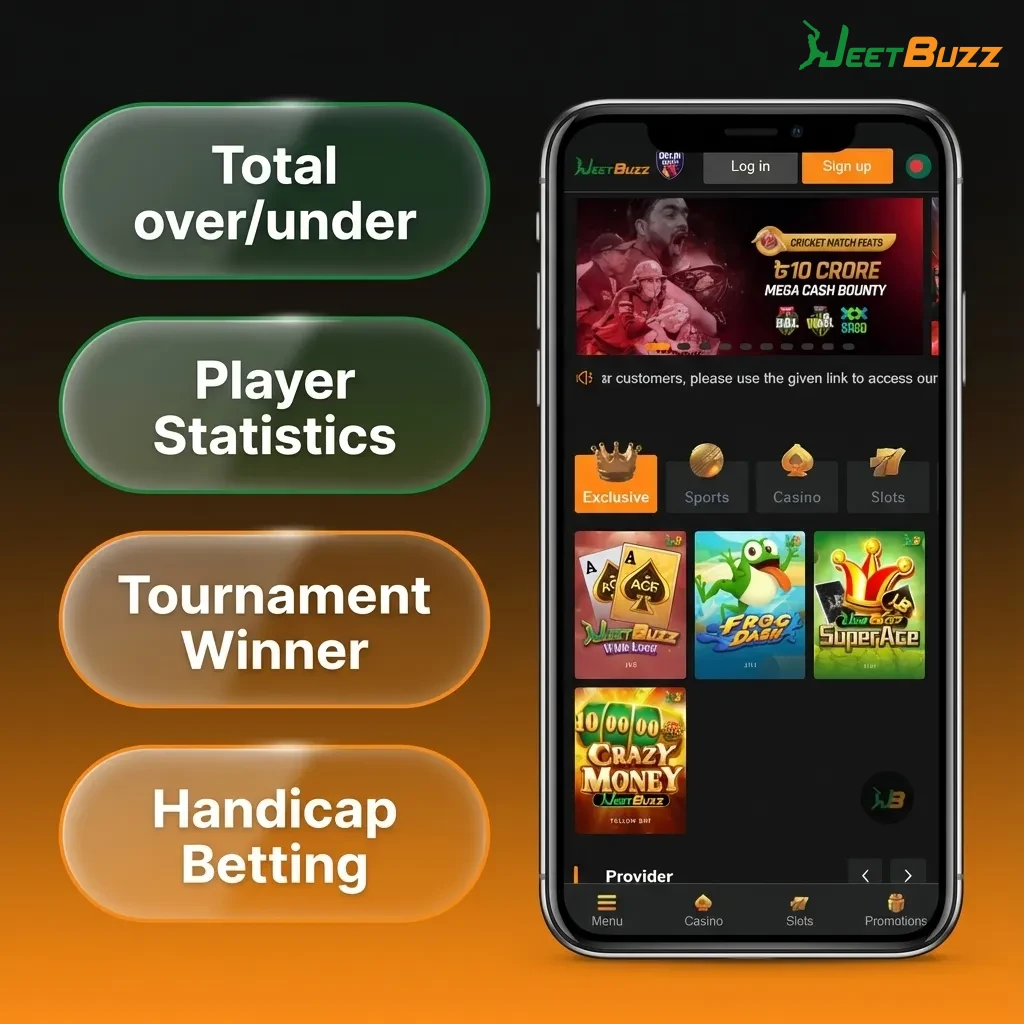
Jeetbuzz gives you multiple bet formats so you can follow your own strategy.
These bet types help you choose between safer slips and high-odds combos based on your risk level.
You can place your first bet on Jeetbuzz in just a few steps once you register and deposit. The layout is built so that new users can find markets quickly.
After placing your first bet, you can track it under My Bets and cash out where the option is available.
The Jeetbuzz casino section in the app gives you slots, live dealer games, and India-focused tables. You can switch from sports to casino in one tap.
Popular casino games you can play include:
You can try multiple game types in one app and shift between demo and real money where supported.
Sign-up on Jeetbuzz is simple and built for India mobile users. You only need your phone and a few minutes.
After registration, you can claim welcome offers and start depositing in rupees.

Once your account is ready, logging in takes only a few seconds.
Staying logged in on your own phone helps you place bets and claim offers faster.
You do not need to visit the App Store or handle manual updates for the Jeetbuzz iOS app shortcut. The app works on a web-based engine that loads the newest version each time you open it. Odds, games, security patches, and features update on the server side.
As long as you have an internet connection and use a supported browser, you always see the latest Jeetbuzz layout, new bonuses, and updated markets automatically.
Jeetbuzz supports popular India-friendly payment methods so you can fund your account quickly. Minimum and maximum limits depend on the method, but many deposits start from around ₹200 and go up to high limits for verified users. Withdrawals usually start from around ₹1,000 and can go higher based on your level and method.
Common payment options include:
Using India-focused payments lets you deposit and cash out in INR without extra currency conversion hassle.
Funding your Jeetbuzz account on iPhone or iPad is quick once your profile is verified. You can use UPI and other local methods.
Most deposits reflect in seconds, so you can start betting or playing casino games right away.
You can cash out your profits directly from the Jeetbuzz iOS app using the same device you bet on. Make sure your KYC details are complete before placing your first withdrawal request.
Once processed, funds reach your India bank or UPI account based on the method and bank speed.
The Jeetbuzz iOS app is built around how India players bet and play on phones. You get fast navigation, INR payments, and quick access to bonuses.
Standout features include:
These features help you move smoothly from app install to first bet and then to fast cashouts in INR.

Jeetbuzz provides round-the-clock support so you can get help on betting, payments, bonuses, and account issues. Support teams are trained to handle India-specific questions such as UPI delays or KYC steps.
Available contact methods include:
| Method | Details |
|---|---|
| Live chat | Accessible from the app or mobile site, usually 24/7 for instant help |
| Email support | Dedicated support email for longer issues and document checks |
| In-app help centre | FAQ articles, guides on deposits, withdrawals, and bonuses inside the app |
| Social channels | Official social profiles where you can follow updates and reach out for basic questions |
Using these channels, you can solve most issues quickly and keep your betting and casino play running smoothly.
Jeetbuzz operates under offshore licensing and accepts India players from regions where online betting is not restricted by local law. You should always check the rules for your own state before playing for real money.
The app-style shortcut loads the same secure mobile site in full-screen mode. Security, encryption, and account protection stay the same; the icon only gives you faster access from your home screen.
Once you are logged in and have funds, placing a simple pre-match bet usually takes under 30 seconds. You just tap the odds, enter the stake, and confirm the slip.
Yes, your Jeetbuzz account is shared across devices. You can log in on Android, iOS, and desktop using the same number and password, as long as you do not break the rule on multiple accounts.
Betting markets, games, and bonuses are the same. The app shortcut only gives you quicker launch from your home screen and an app-like full-screen view, which many users find more convenient than typing the URL each time.
Updated: