Jeetbuzz Mobile App: PWA for Real Money Play in India

The Jeetbuzz native app is still in development, so there is no APK or App Store file yet. You can still play on mobile using the official Jeetbuzz web app (PWA) in your browser.

Add Jeetbuzz to your home screen and access real-money casino, live games, and sports betting in just a few taps.

New players get Free 7 Lucky Spins on slots and fishing, 25% Cashback on live casino and table games, and 50% Sports Refund on your first settled sports bets.

Start on mobile in minutes and handle everything in INR, from sign-up to cash out.

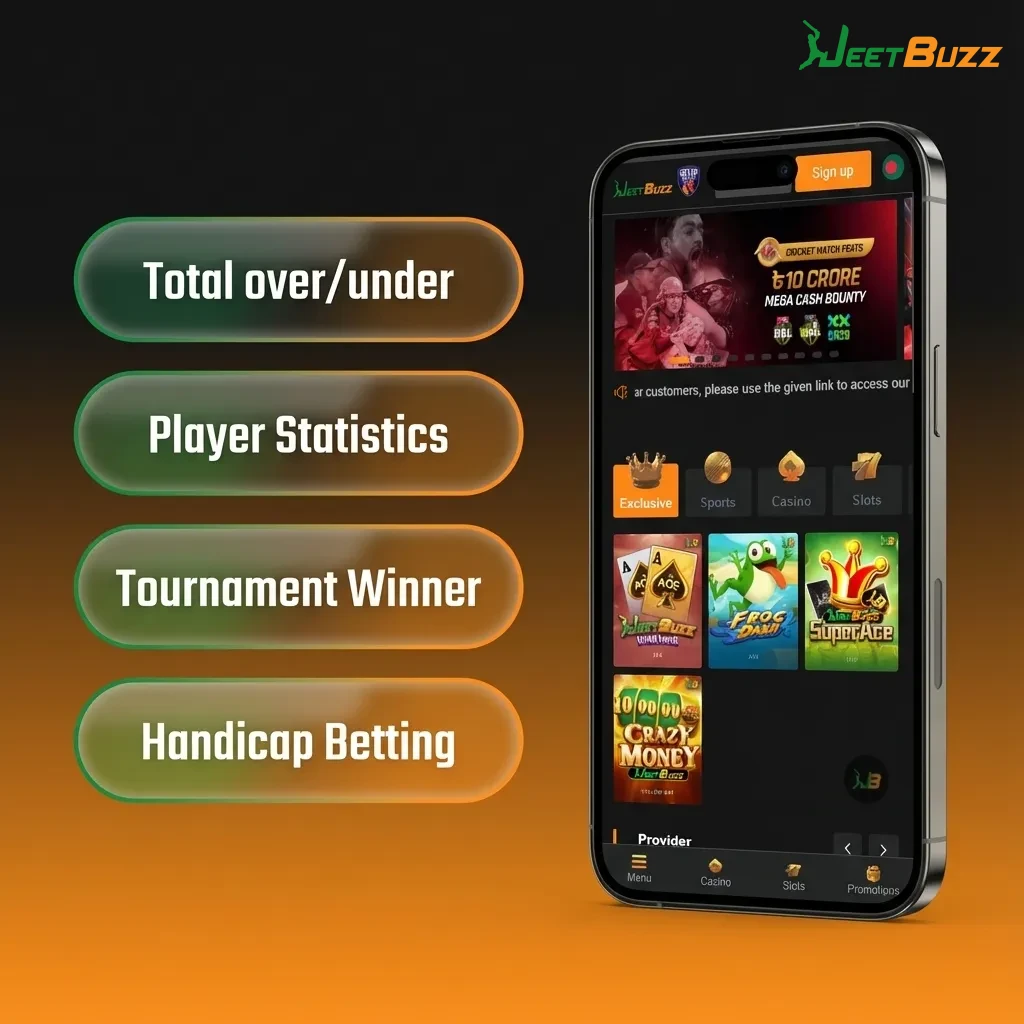
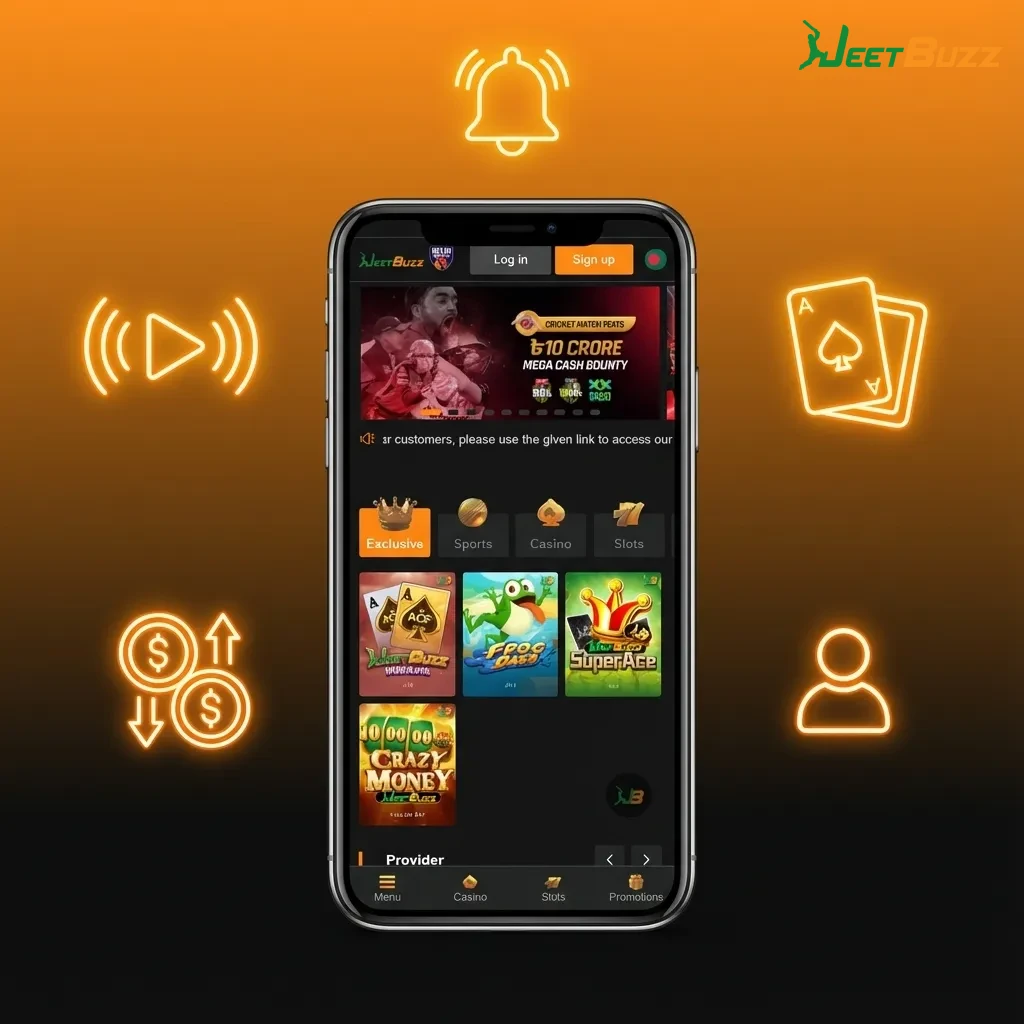
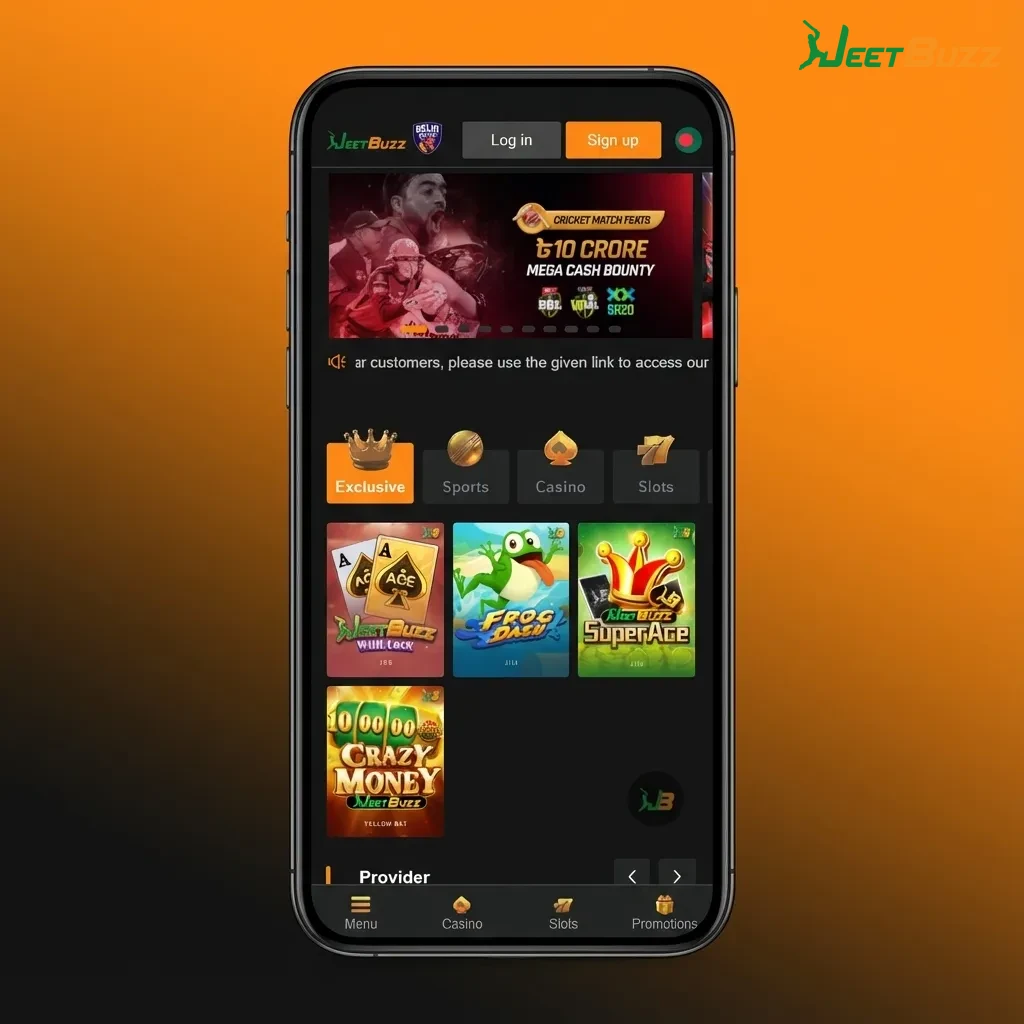
Jeetbuzz mobile PWA on smartphone screen showing casino, live games, sports betting and Indian rupee balance

Jeetbuzz App Snapshot for India Users

Jeetbuzz mobile site and PWA give you full access to casino and sports betting without any heavy download. You play in INR, use local payment methods, and get fast deposits and withdrawals on your phone.

Here is a quick overview of the Jeetbuzz mobile experience for India.

Feature Details
App type Mobile web app (PWA), no APK yet
Approx. size on device Under 5 MB as shortcut/cache
Last major update October 2024
Casino bonus Free 7 Lucky Spins (Slots & Fishing)
Live casino & table cashback 25% Cashback on qualifying losses
Sports bonus 50% Sports Refund on first settled bets
Supported languages English, Hindi, Bengali (varies by page)
Supported currency Indian Rupee (INR)
Payment methods UPI, Paytm, PhonePe
Min deposit ₹200 or higher (depends on method)
Min withdrawal From around ₹500 (KYC may be required)
Promo code option Yes, promo code field in cashier/sign-up
Sports coverage Cricket, football, tennis, kabaddi, more
Casino games Slots, live casino, teen patti, andar bahar
Game providers Pragmatic Play, Evolution, Ezugi, others
Account access Same account for desktop and mobile

This overview helps you see in one place what you get before installing Jeetbuzz to your home screen.

Jeetbuzz Mobile Interface and Layout

The Jeetbuzz mobile site is built for one-hand use: big buttons, simple menus, and quick access tabs for sports, casino, live casino, and promotions.

You can move from match odds to slots or banking in a couple of taps, so placing a bet or spinning a slot takes only a few seconds on any modern smartphone.

Jeetbuzz mobile interface showing large buttons and quick-access tabs for sports, casino, live casino, and promotions.

How to Use Jeetbuzz Android PWA on Your Phone

Jeetbuzz runs smoothly on Android through the browser using a progressive web app (PWA). You do not need an APK download and you avoid extra security steps.

Follow these simple steps to start betting and playing casino games on Jeetbuzz using Android.

Step 1

Click the Download for Android Button

Use the “Download Android App” button on this page to open the official Jeetbuzz mobile site in your Android browser, such as Chrome or Firefox.

On first load, your browser may show a prompt to add Jeetbuzz to your home screen so you can open it later like a normal app icon.

Step 2

Register an Account

Tap the Sign Up or Register button at the top of the screen.

Enter your mobile number, create a strong password, choose INR, and confirm your details so you can claim the Free 7 Lucky Spins and other bonuses.

Step 3

Use the Web Version of the Website

After registration, log in and use the Jeetbuzz mobile website as your main app.

You can add it to your home screen from your browser menu and then access sports, casino, and banking features in one tap, without any extra install.

Minimum Requirements for Jeetbuzz on Android

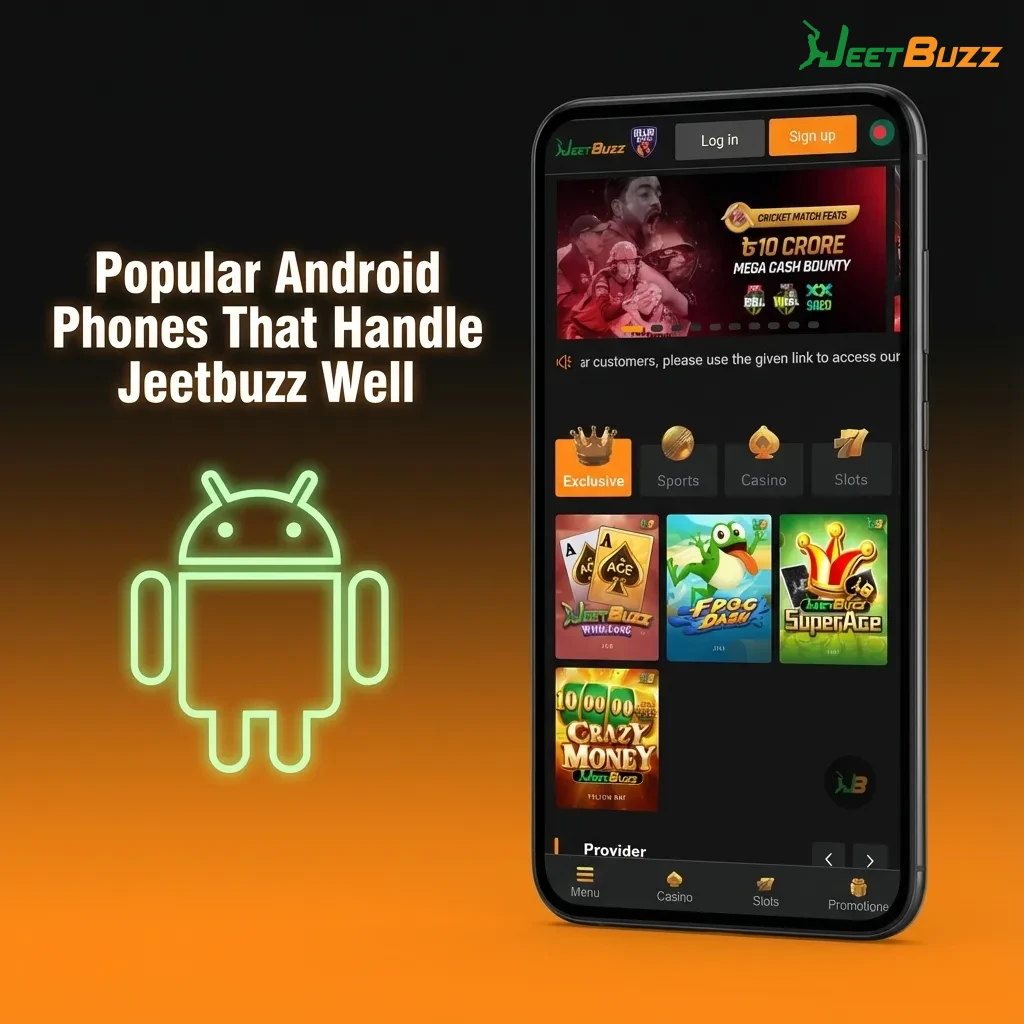
Most modern Android phones in India support the Jeetbuzz PWA without issues. You only need a stable internet connection and a recent browser.

Requirement Minimum for Jeetbuzz Android Use
Android OS version Android 7.0 Nougat or higher
CPU 1.4 GHz dual-core or better
RAM At least 2 GB
Free storage 100 MB for cache and browser data
Internet speed 3G or better (4G/5G recommended)

If your phone meets these levels, you can load Jeetbuzz, place bets, and play casino games without lag.

How to Use Jeetbuzz iOS PWA on iPhone and iPad

iOS users in India can access Jeetbuzz through Safari and add it as an icon, just like a standard iOS app. You do not need to search the App Store or install extra files.

Follow these steps to start betting and playing casino games on Jeetbuzz using iPhone or iPad.

Step 1

Click the Download for iOS Button

Use the main download button on this page on your iPhone or iPad to open the official Jeetbuzz site in Safari.

Make sure you stay in Safari, because iOS only supports “Add to Home Screen” from the Safari browser.

Start using!
Step 2

Register an Account

Tap the Sign Up button and fill in your basic details, such as phone number, password, and currency.

Confirm your registration so that your account is ready for Free 7 Lucky Spins, 25% Cashback, and the 50% Sports Refund.

Step 3

Tap Share Button

While the Jeetbuzz site is open in Safari, tap the Share icon at the bottom of the screen.

Scroll through the options in the share sheet until you see the Add to Home Screen option.

Step 4

Tap Add to Home Screen

Tap Add to Home Screen and confirm the name “Jeetbuzz”.

Safari will place the Jeetbuzz icon on your iPhone or iPad home screen, and you can use it like a normal app shortcut for instant betting and casino access.

Minimum Requirements for Jeetbuzz on iOS

Jeetbuzz runs well on most iPhones and iPads released in recent years. You only need a recent iOS version and a stable connection.

Requirement Minimum for Jeetbuzz iOS Use
iOS version iOS 12.0 or higher
Processor A9 chip or newer
RAM At least 2 GB
Free storage 100 MB for cache and browser data
Internet speed 3G or better (4G/5G recommended)

Any iPhone or iPad matching these figures will handle Jeetbuzz betting, live casino, and slots smoothly.

iPhone and iPad Models Suitable for Jeetbuzz

These iOS devices meet or exceed the Jeetbuzz requirements and are common in India.

  • iPhone 11
  • iPhone 11 Pro
  • iPhone 12
  • iPhone 12 mini
  • iPhone 13
  • iPhone 13 Pro
  • iPhone 14
  • iPhone 14 Plus
  • iPad 9th Gen
  • iPad Air 4th Gen
  • iPad mini 6th Gen

If your iPhone or iPad is from a similar or newer generation, you can enjoy Jeetbuzz without performance issues.

Chart of iPhone 11–14 and iPad models that meet Jeetbuzz performance requirements in India

Jeetbuzz Bonuses for New Mobile Users

New Jeetbuzz players from India get a mix of free spins, cashback, and sports protection when starting on mobile.

  • Free 7 Lucky Spins (Slots & Fishing): You get 7 free spins on selected slot and fishing games right after eligible registration and first activity, giving you a chance to test game features without extra risk.
  • 25% Cashback (Live Casino & Table Game): A portion of your net losses on selected live casino and table games is returned as cashback, so you can continue playing games like roulette, blackjack, teen patti, or andar bahar.
  • 50% Sports Refund: If your first settled sports bet does not go your way, you receive up to 50% of the stake back as a refund, subject to Jeetbuzz bonus terms and conditions.

These offers help you explore Jeetbuzz mobile betting and casino games while reducing your starting risk.

Mobile screen showing Jeetbuzz app with text promoting free spins, 25% casino cashback and 50% sports refund for new Indian users
Get a bonus

Sports You Can Bet On in the Jeetbuzz App

Jeetbuzz covers the main sports followed in India, along with global events. You can place pre-match and live bets directly from your phone.

  • Cricket (IPL, international, domestic T20 and ODI)
  • Football (Premier League, La Liga, Champions League, ISL)
  • Tennis (Grand Slams, ATP, WTA)
  • Kabaddi (Pro Kabaddi League and more)
  • Basketball (NBA and international leagues)
  • Table tennis
  • Esports (popular titles and tournaments)
  • Volleyball and other niche sports

This range helps you keep betting on your favourite tournaments in one single mobile app shortcut.

Smartphone showing Jeetbuzz app with betting options for cricket, football, tennis, kabaddi, basketball, esports and more

Bet Types Offered in the Jeetbuzz Mobile App

Jeetbuzz supports different bet formats so you can follow your own style and risk level.

  • Single bet: You place one selection and your payout depends only on that event winning.
  • Accumulator (multi bet): You combine two or more selections in one bet and all must win for a higher combined payout.
  • System bet: You build a group of selections where not all legs need to win, and the system covers different combinations.
  • Live bet: You place bets after the match starts, taking advantage of changing odds while the match is in play.
  • Outright/future bet: You predict long-term outcomes, such as tournament winners or season results, often at higher odds.

These options let you mix low-risk singles and higher return combos in a way that fits your bankroll.

Jeetbuzz mobile app screen showing single, accumulator, system, live, and outright betting options with brief descriptions.

How to Place Your First Bet on Jeetbuzz Mobile

You can place a real-money bet on Jeetbuzz in a few minutes once your account is verified and funded. Here is the simple flow.

Step 1

Step 1

Log in to your Jeetbuzz account on your mobile browser or home screen icon.

Step 2

Step 2

Tap Sports and choose the sport, league, and match you want to bet on.

Step 3

Step 3

Tap the odds for your chosen outcome to add it to the bet slip.

Step 4

Step 4

Enter your stake in INR in the bet slip and review the potential payout.

Step 5

Step 5

Confirm the bet and wait for the event to settle to see your result in the balance.

This process keeps betting quick so you can react fast to live odds and match changes.

Casino Games You Find in the Jeetbuzz App

Jeetbuzz offers a large casino lobby on mobile so you can switch from betting on cricket to spinning slots or joining live tables in seconds.

  • Online slots from providers like Pragmatic Play
  • Megaways and jackpot slots
  • Live roulette tables
  • Live blackjack tables
  • Teen Patti and live Teen Patti variations
  • Andar Bahar
  • Baccarat
  • Dragon Tiger
  • Fishing and crash-style games

This mix lets you enjoy quick sessions or longer casino play whenever you have a few free minutes on your phone.

Jeetbuzz mobile app screen showing slots, live roulette, blackjack, Teen Patti, Andar Bahar, baccarat, and crash games.

How to Register on Jeetbuzz via Mobile

Creating a Jeetbuzz account on mobile takes only a couple of minutes and is required before betting or claiming bonuses.

Step 1

Step 1

Open the official Jeetbuzz site on your mobile browser or PWA icon.

Step 2

Step 2

Tap the Sign Up or Register button at the top of the screen.

Step 3

Step 3

Enter your mobile number, create a password, choose INR, and fill any required personal details.

Step 4

Step 4

Enter a promo code if you have one and confirm that you accept the terms and are of legal age.

Step 5

Step 5

Submit the form and verify your phone or email if prompted so your account becomes active.

After this, you can log in, make a deposit, and start using your Jeetbuzz welcome offers.

How to Log In to Jeetbuzz on Mobile

Once your account is created, you can log in on any phone browser and use Jeetbuzz as an app.

Step 1

Step 1

Open the Jeetbuzz mobile site or tap the Jeetbuzz icon on your home screen.

Step 2

Step 2

Tap the Login button in the top area of the page.

Step 3

Step 3

Enter your registered mobile number or username and your password.

Step 4

Step 4

Tap Login and wait for the dashboard to load, then access sports, casino, and cashier.

Staying logged in on your main device saves time every time you want to place a quick bet.

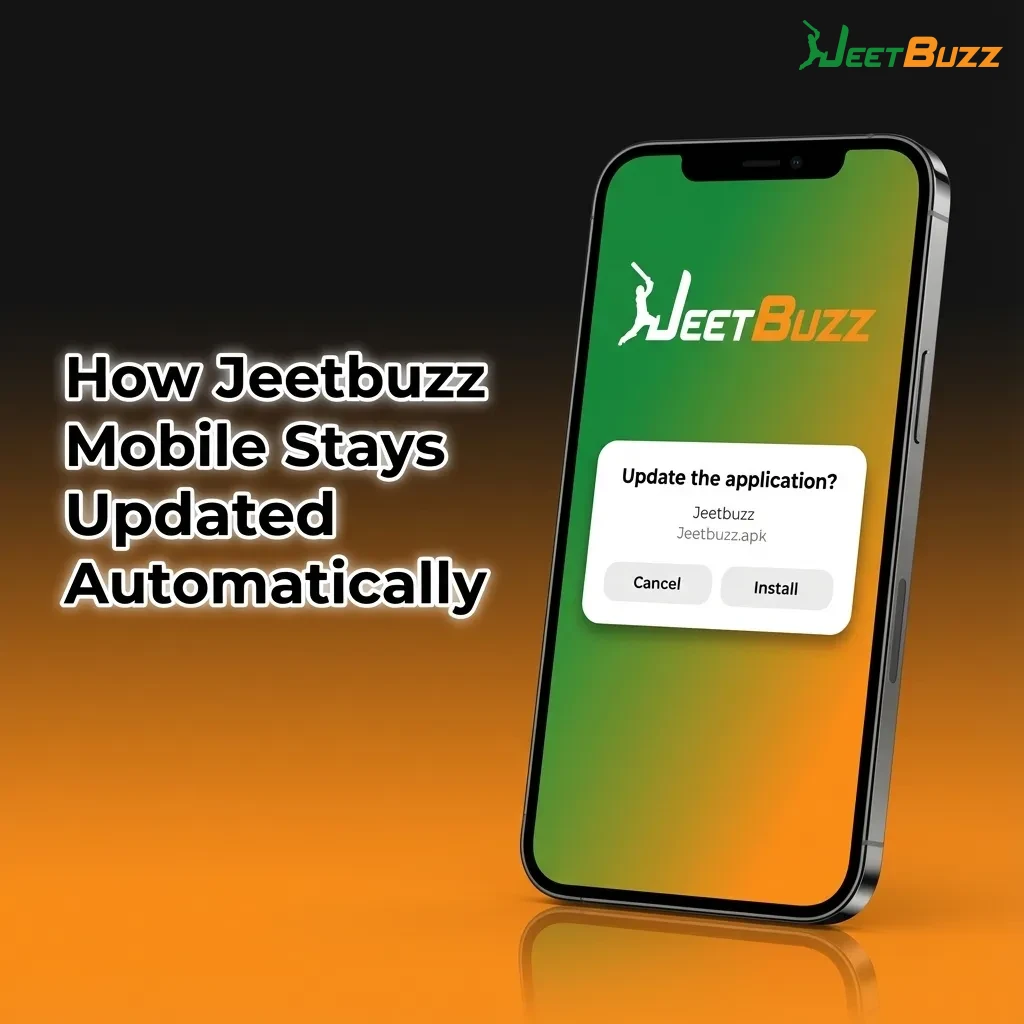
How Jeetbuzz Mobile Stays Updated Automatically

Jeetbuzz uses the mobile website and PWA approach, so you do not need to download new versions or install updates manually.

Every time you open Jeetbuzz in your browser or from the home screen icon, you load the latest version of the site, odds, games, and features.

This means bug fixes, new bonuses, extra games, and payment improvements reach you instantly, without any action from your side.

Illustration showing Jeetbuzz mobile app auto-updating via browser and home screen icon, with refreshed games, odds, and features

Payment Methods for Jeetbuzz Mobile Users in India

Jeetbuzz supports popular India banking options so you can deposit and withdraw in INR directly from your phone. Typical minimum deposits start around ₹200, and minimum withdrawals from around ₹500, depending on the chosen method and your account status.

Available payment methods include:

  • UPI
  • Paytm
  • PhonePe

These methods help you move money between your bank and Jeetbuzz in a familiar and fast way.

Graphic listing Jeetbuzz mobile payment methods in India: UPI, Paytm, PhonePe, with INR deposit and withdrawal details

How to Deposit Money on Jeetbuzz Using Mobile

Adding funds to your Jeetbuzz account on mobile is quick and uses local India payment methods. Make sure your profile details are correct before larger deposits.

Step 1

Step 1

Log in to Jeetbuzz on your mobile browser or home screen icon.

Step 2

Step 2

Go to the Cashier or Deposit section from the main menu.

Step 3

Step 3

Choose your payment method, such as UPI, Paytm, or PhonePe, and enter the deposit amount in INR.

Step 4

Step 4

Confirm the payment in the banking app or UPI interface and wait for the success message in Jeetbuzz.

Once the payment is approved, your balance updates and you can start betting or playing casino games immediately.

How to Withdraw Winnings from Jeetbuzz on Mobile

You can cash out your Jeetbuzz winnings to your India bank accounts using the same mobile device you use for betting. Make sure you have completed KYC if requested.

Step 1

Step 1

Log in and open the Cashier or Withdrawal section from the Jeetbuzz menu.

Step 2

Step 2

Choose your preferred withdrawal method, such as UPI or Paytm, and enter the amount you want to withdraw in INR.

Step 3

Step 3

Fill in any required bank or UPI details and confirm the request.

Step 4

Step 4

Wait for Jeetbuzz to review and process the withdrawal, then check your bank or wallet for the incoming funds.

Following this flow helps you move your winnings out smoothly and keep track of your bankroll.

Why India Players Use the Jeetbuzz Mobile App

Jeetbuzz focuses on India users, giving you local payment methods, INR support, and bonuses built around popular sports and casino games.

  • Full support for INR deposits and withdrawals.
  • Local payment options such as UPI, Paytm, and PhonePe.
  • Free 7 Lucky Spins, 25% live casino and table cashback, and 50% sports refund for new users.
  • Broad sports coverage including cricket, football, tennis, and kabaddi.
  • Big casino library featuring slots, live dealers, teen patti, andar bahar, and more.
  • Mobile-first layout that loads fast on 3G/4G connections.
  • Same account access across desktop and mobile.
  • 24/7 customer support channels for India players.

These features combine to give you a straightforward mobile betting and casino experience from registration to withdrawal.

Smartphone screen showing Jeetbuzz app highlights for Indian players, INR banking, local payments, sports and casino offers

Customer Support Options at Jeetbuzz

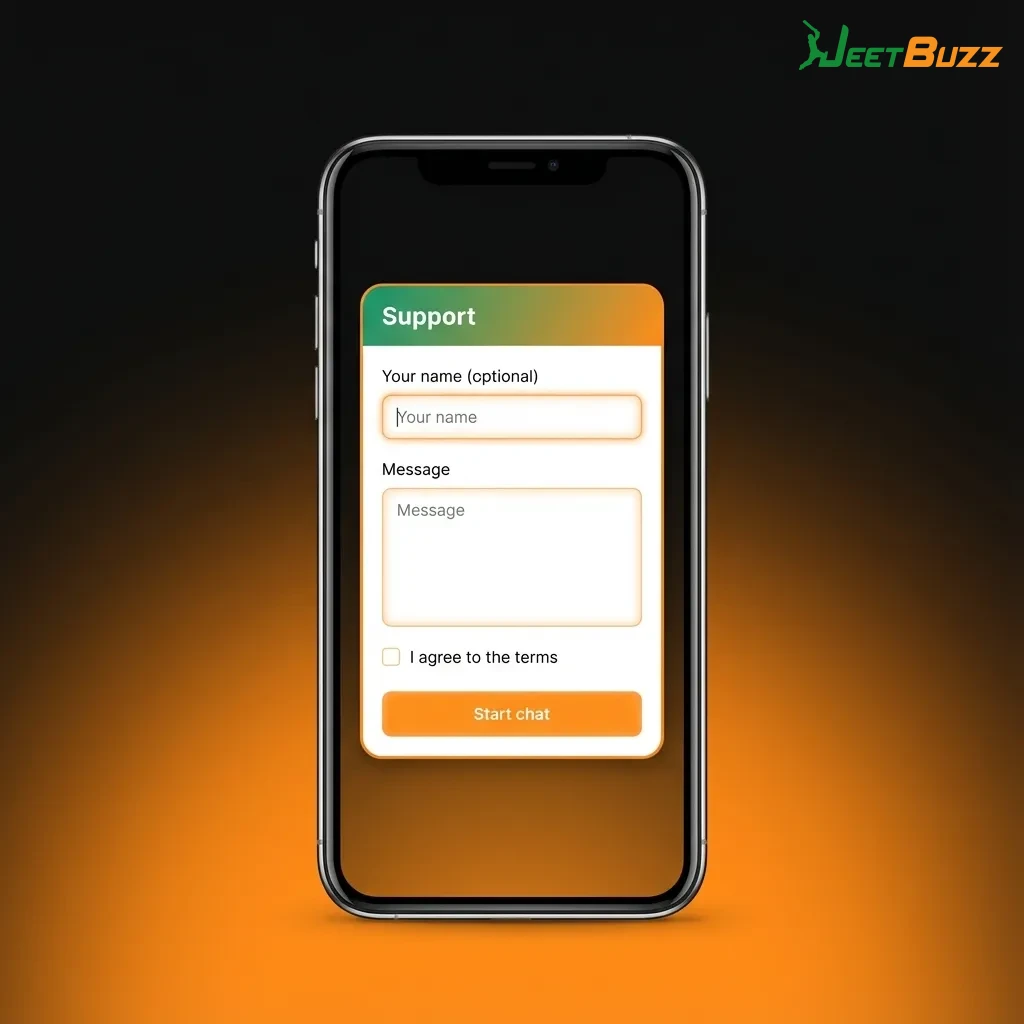
Jeetbuzz provides multiple support channels so you can solve account, payment, or betting questions directly from your phone.

Support Channel Details
Live chat Available on the Jeetbuzz site, 24/7
Email support Contact form or direct support email
FAQ section Covers common account and payment topics
In-site messages Notifications and updates inside your account

Using these options, you can quickly get help for most common issues without leaving the app experience.

Illustration of Jeetbuzz customer support options: live chat, email, FAQ, and in-app messages on a smartphone screen.

FAQ

Is Jeetbuzz legal for India players?

Jeetbuzz operates using offshore licensing and accepts India players from regions where online betting is not restricted by local law. You are responsible for checking the rules in your state and only playing if local regulations allow it.

Is there any Jeetbuzz APK to download?

At the moment, there is no official Jeetbuzz APK or native Android or iOS app file. You should use the official mobile website and PWA through your browser and avoid third-party APKs.

How fast do Jeetbuzz withdrawals reach my account?

Withdrawal timing depends on your selected method and KYC status. After approval, UPI and wallet withdrawals often reach users within a few hours, while some cases can take up to 1 to 3 business days.

Can you have more than one Jeetbuzz account?

No. Jeetbuzz terms normally allow only one account per person, household, IP, or device. Multiple accounts can lead to blocked bonuses or account closure.

What if you forget your Jeetbuzz password?

Use the Forgot Password link on the login page, enter your registered mobile number or email, and follow the reset instructions. If you lose access to your phone or email, contact support to verify your identity and restore access.

Updated: