
1. Click the button below
Tap the registration button below on this official website to start the Jeetbuzz download for PC and create your betting account if you are new.
Download the Jeetbuzz desktop application for Windows and macOS at no cost and enjoy sports betting, live casino, roulette, slots, and table games on your computer. The PC app mirrors the full functionality of the official website but adds faster loading, stable performance, and an immersive full-screen layout that suits long betting and casino sessions.
Free 7 Lukcy Spins (Slots & Fishing), 25% Cashback (Live Casino & Table Game), 50% Sports Refund

The Jeetbuzz app for PC gives you a focused betting and casino experience on your desktop, reducing browser crashes, offering faster navigation, and keeping your favourite markets and games open in one place. You get smoother streaming for live games, stable odds updates, and a cleaner interface for managing your betting account and wallet.
| Characteristic | Information |
|---|---|
| PC client size | Around 60–120 MB depending on version |
| Available languages | English, Hindi, Bengali, Telugu, Tamil |
| Category | Sports betting, Online casino, Live casino, Slots, Table games, Game shows |
| Compatible with Windows | Windows 10 (64-bit), Windows 11 |
| Compatible with macOS | macOS 11 Big Sur, macOS 12 Monterey, macOS 13 Ventura or later |
Installing the Jeetbuzz app for PC gives you a stable, focused environment for sports betting and casino play, instead of relying only on a browser tab. The table below highlights the main advantages and a few minor drawbacks so you can decide if a Jeetbuzz download for PC is right for your computer.
| Pros of the desktop client | Cons of the desktop client |
|---|---|
| Faster loading than most browsers | Takes storage space on your PC |
| Stable performance during live betting and live casino streams | Requires occasional updates |
| Full-screen mode for casino games and live tables | Installation may need permission in office or shared systems |
| Dedicated icon on desktop for instant access | You need a stable internet line to get the best experience |
| Fewer distractions compared to using a browser with many tabs | |
| Quick login using saved details on your own device | |
| Consistent layout across updates, useful for regular betting |
The Jeetbuzz app for Windows is designed for modern laptops and desktops and runs smoothly on most recent devices that meet basic system requirements such as 4 GB RAM, updated browser engine components, and a steady internet line. The Jeetbuzz download for Windows supports popular versions like Windows 10 and 11 so you can start betting and playing casino games in just a few minutes.
Tap the registration button below on this official website to start the Jeetbuzz download for PC and create your betting account if you are new.
On the page that opens, choose the Jeetbuzz app for Windows option and click the download button to save the setup file to your computer.
Go to your Downloads folder, double-click the Jeetbuzz installer file, and confirm any security prompt so the system can run the installation process.
In the setup window, read the information shown, select your preferred installation folder if the option appears, and press Next till the process finishes.
After installation, use the new desktop icon to open Jeetbuzz for PC, log in or complete registration, and start using the full betting and casino lobby.
The Jeetbuzz app for PC is also available for many Mac devices, including most recent MacBook and iMac models that run current macOS versions and have at least 4 GB RAM and free disk space. You can complete the download and setup in a few simple steps and enjoy betting and casino games in a native-style Mac window.
Use the button on this page to go to the official registration and download area and choose the Mac computer option if you use Apple devices.
On the download page, select the Jeetbuzz app for PC (Mac version) and click the button to save the .dmg or installer file to your system.
In the Downloads folder, double-click the .dmg file, then drag the Jeetbuzz icon into the Applications folder when the Mac window shows this option.
If macOS asks for permission under Security & Privacy, allow the app from the identified developer and enter your Mac password when the system requests it.
Go to your Applications folder, start Jeetbuzz for PC on Mac, log in to your betting account or complete registration, and start playing casino games and placing bets.
Regular updates keep the Jeetbuzz app for PC stable and secure, and you also get new betting features, casino games, and performance improvements on your computer. Keeping the client updated reduces login issues and keeps odds, markets, and game lobbies in sync with the official website.
Click the Jeetbuzz icon on your desktop or in your applications list and log in to your betting account if you are not already logged in.
Look for an update banner or pop-up in the app; if the system offers a new version, choose the update option.
Confirm the update, let the installer download in the background, and follow any on-screen information till the process completes.
Close the client after the update finishes, open it again from your computer, and confirm that all betting markets and casino sections load normally.
Creating a new account through the Jeetbuzz download for PC takes only a few minutes and gives you access to sports betting, live casino tables, slots, and more from one secure login. After registration you can manage deposits, withdrawals, and betting history in a single desktop window.
Launch Jeetbuzz for PC from the desktop or applications menu and choose your preferred language from the start screen if available.
Click the Sign Up or Register button and pick your preferred method, such as mobile number, email, or social login if the option appears.
Enter basic information like name, mobile number, email, password, and currency, then confirm that you are of legal betting age in India.
Submit the form, complete any SMS or email verification needed, log in to your new account, and explore the betting and casino lobby from the PC client.
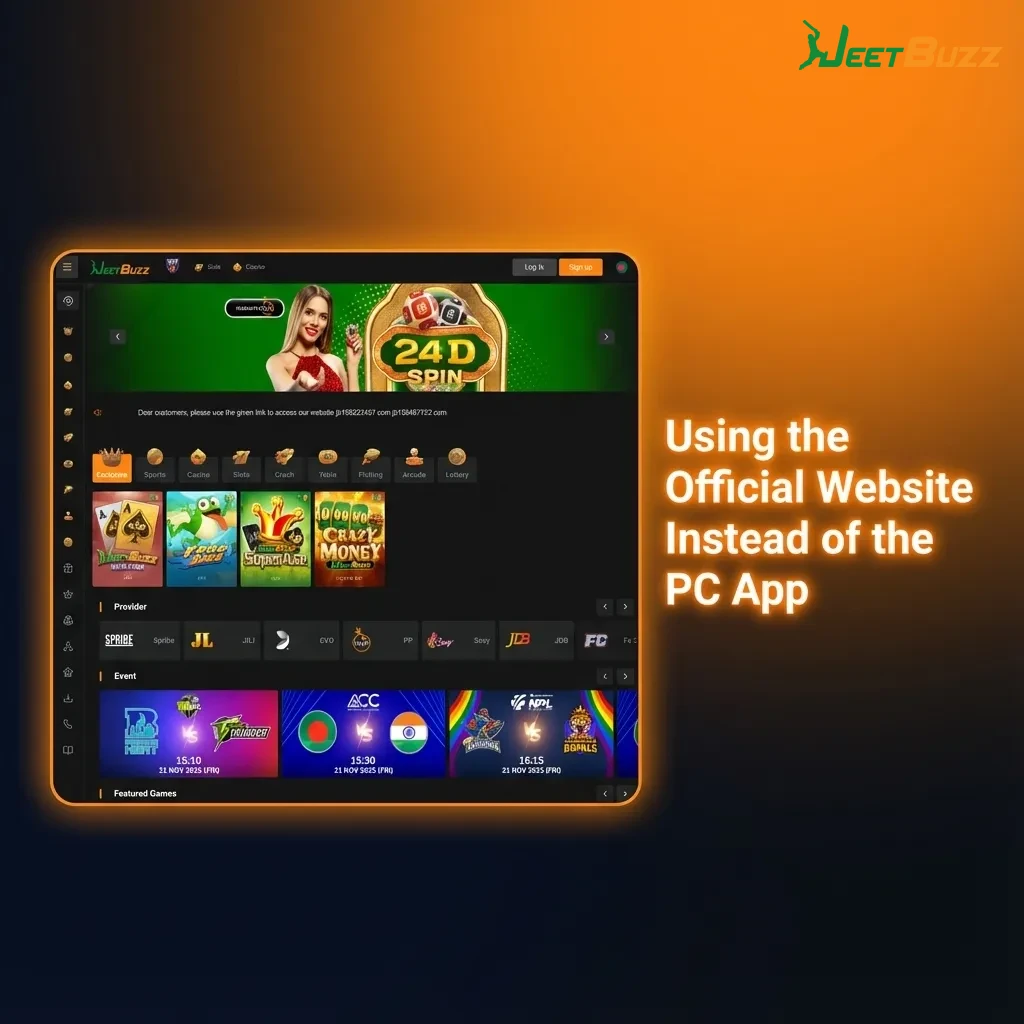
You do not need to install the Jeetbuzz app for PC to enjoy sports betting and casino games; the official website offers the same core markets, games, and account options in your browser. Many users prefer the site on office or shared computers where software installation is not possible.
The website supports quick registration, convenient login, and all major deposit and withdrawal methods used on the desktop client. You can place pre-match and live bets, spin slots, try live casino tables, and manage your betting history straight from the browser on Windows, macOS, or even Linux.
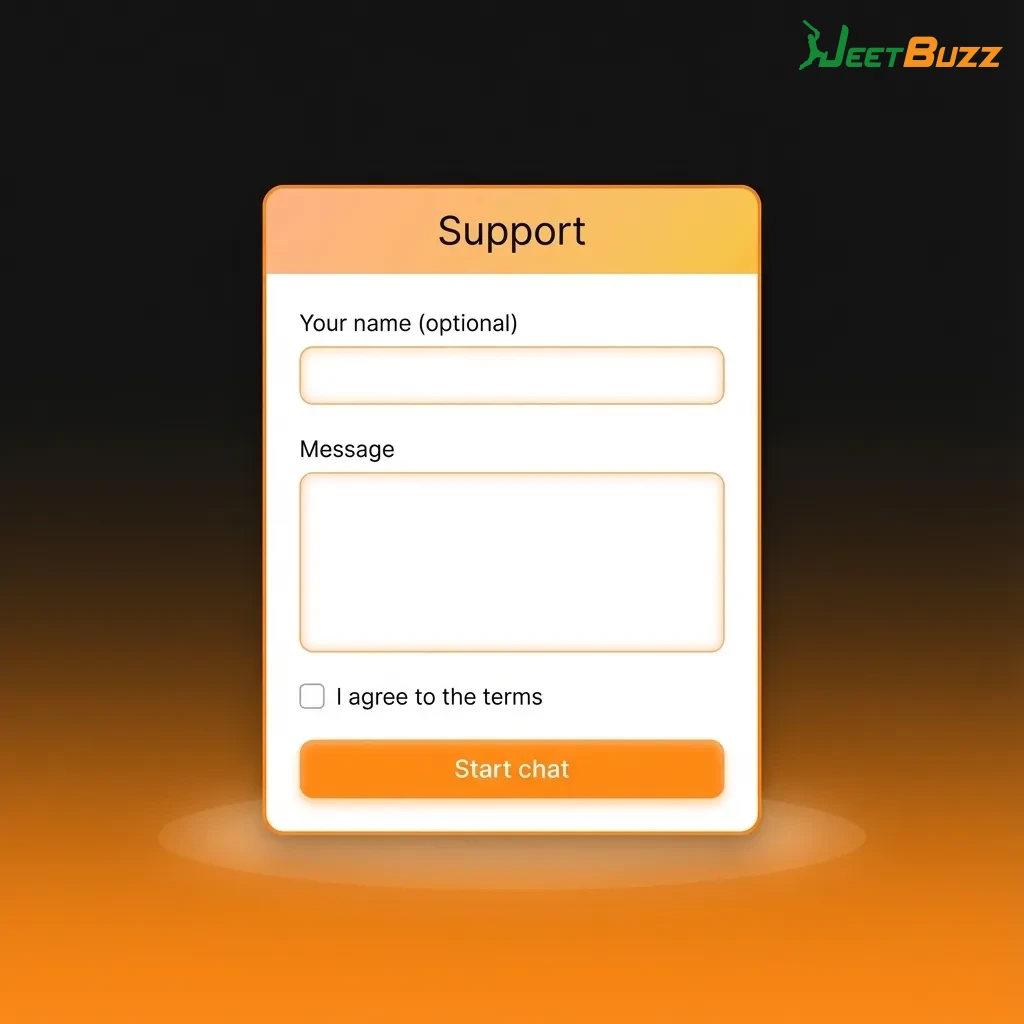
Dedicated customer support is available for users who access the platform from the Jeetbuzz download for PC or from the browser on a computer. You can reach the support team if you face installation problems, login errors, payment questions, or have doubts about betting rules and casino information.
| Support method | How to contact |
|---|---|
| Live chat | Open the Help or Support button inside the PC app or on the official website for 24/7 chat assistance |
| Send detailed queries to the support email address listed in the Contact or Help section of the site | |
| Phone | Call the customer care number shown in the support area for urgent account or payment issues |
| Social media | Send a direct message to the official social profiles linked in the website footer |
Yes, the Jeetbuzz download for PC is free; you only need to register and deposit funds if you want to place real-money bets or play casino games for cash.
You can use the same login details on computer and mobile, so there is no need to create a separate account for each device.
The PC app covers the main sports betting markets and a large part of the casino lobby, including live tables, slots, and table games, though a few titles can remain web-only.
Download the installer only from the official website, check that your antivirus is active, and keep the client updated to maintain a safe environment on your system.
The focus is on recent systems like Windows 10 and 11; older versions might face performance or compatibility issues and are not recommended for long betting sessions.
Updated: