
Click the ‘Download’ Button
Scroll to the top of this page and tap the green download button. The APK file begins downloading to your phone immediately without redirecting to external sites.
The Jeetbuzz application brings cricket betting, live casino games, and slots directly to your mobile device. Install the app in under two minutes and access your welcome offer: Free 7 Lucky Spins for Slots & Fishing, 25% Cashback on Live Casino & Table Games, and 50% Sports Refund on qualifying bets. Download now and start playing with real money from anywhere in Pakistan.
Free 7 Lukcy Spins (Slots & Fishing), 25% Cashback (Live Casino & Table Game), 50% Sports Refund

The mobile application delivers full betting and casino functionality without requiring browser access. You get faster loading times, push notifications for live match updates, and instant deposit confirmations. Below is a complete breakdown of what the application offers.
App Category
Sports Betting & Casino
Licence
Curaçao eGaming
Supported OS
Android 5.0+, iOS 11.0+ (PWA)
Latest Version
2.1.4 (Android), PWA (iOS)
Release Date
March 2023
Cost of Download
Free
Application Languages
English, Urdu, Bengali, Hindi
Supported Countries
Pakistan, Bangladesh, India
Welcome Bonus for Sports
50% Sports Refund up to PKR 10,000
Welcome Bonus for Casino
25% Cashback up to PKR 5,000 + 7 Free Spins
Bet Types
Single, Accumulator, System, Live
Customer Support
24/7 Live Chat, Email, WhatsApp
The interface uses a dark theme with clear navigation tabs for Sports, Live Casino, and Slots at the bottom. All betting markets, deposit buttons, and account settings are accessible within two taps from the home screen.
The Android APK file installs independently from Google Play Store restrictions. You download the file directly from this website, enable installation from unknown sources in your phone settings, and complete the setup in under 90 seconds. The table below provides technical details about the current APK version.
| Property | Details |
|---|---|
| App Title | Jeetbuzz Betting & Casino |
| Version Number | 2.1.4 |
| Release Date | 15 April 2024 |
| File Size | 28.3 MB |
| Downloads | 150,000+ |
| App Category | Sports & Casino |
| Ratings | 4.6/5 |
| Last Updated Date | 10 May 2024 |
| Developer Name | Jeetbuzz Entertainment N.V. |
| OS Compatibility | Android |
| Minimum Android Version | 5.0 (Lollipop) |
| Required Android Version | 5.0 or higher |
Installing the Android application takes less than two minutes and requires no technical knowledge. Follow the steps below to complete the setup and start placing bets from your mobile device.
Scroll to the top of this page and tap the green download button. The APK file begins downloading to your phone immediately without redirecting to external sites.
Your browser saves the file to the Downloads folder automatically.
Open the downloaded file, tap ‘Install’, and allow installation from unknown sources if prompted.
The Android application runs on most devices released after 2015. You need basic storage space and a stable internet connection to download the APK and access live betting markets.
| Requirement | Specification |
|---|---|
| Operating System | Android 5.0 or higher |
| RAM | Minimum 2 GB |
| Storage Space | 50 MB free space for installation and updates |
The APK version works on all major Android brands available in Pakistan. Below is a list of compatible devices that have been tested with the current application version.
| Brand | Models |
|---|---|
| Samsung | Galaxy S21, S22, S23, A52, A53, A73, M32, M52 |
| Sony | Xperia 5 IV, Xperia 10 IV, Xperia 1 III |
| Huawei | P40, P50, Mate 40, Nova 9, Y9a |
| OnePlus | 9, 9 Pro, 10 Pro, Nord 2, Nord CE 2 |
| Oppo | Reno 8, Reno 7, F21 Pro, A96, A76 |
| Pixel 6, Pixel 7, Pixel 6a, Pixel 7 Pro | |
| Xiaomi | Redmi Note 11, Redmi Note 12, Mi 11, Poco X4 |
| Poco | Poco F4, Poco X5 Pro, Poco M5, Poco C40 |
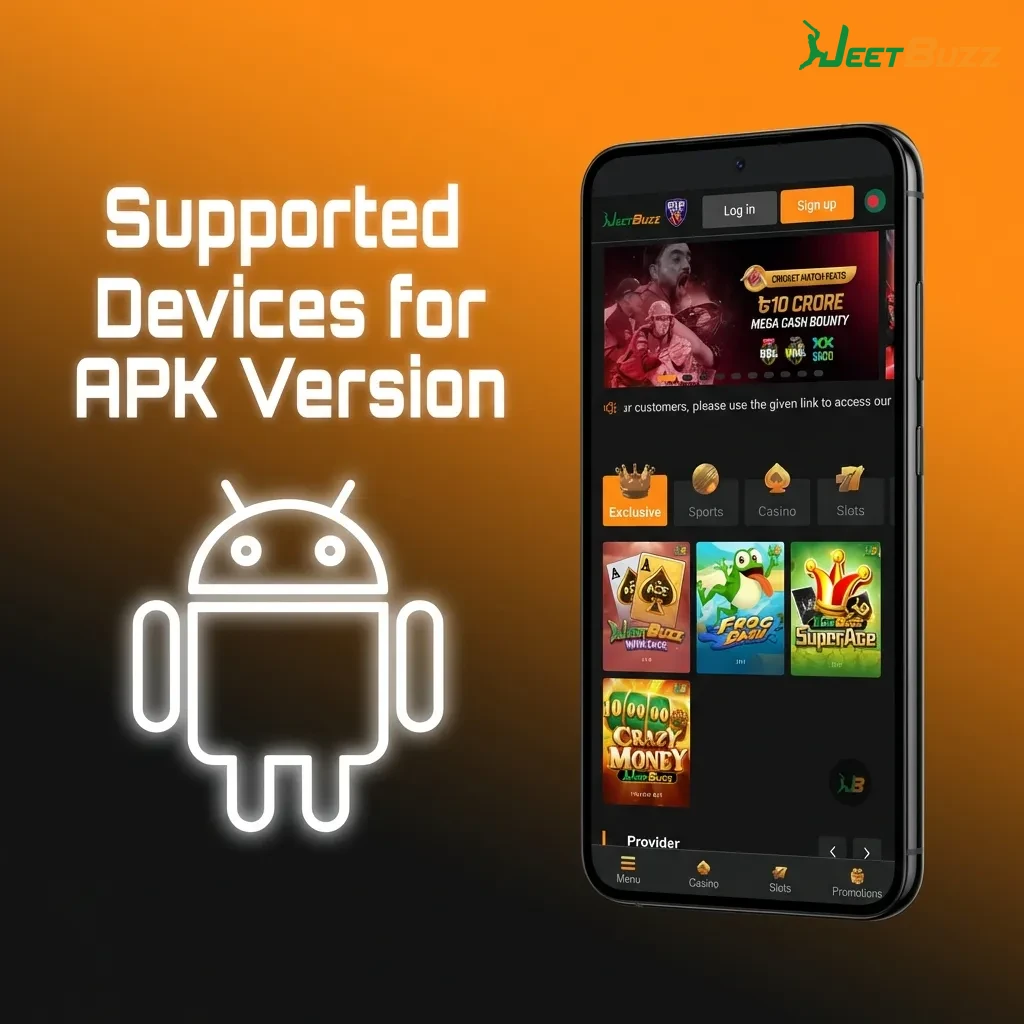
iOS devices use a Progressive Web App (PWA) version that installs directly from Safari browser. The process bypasses App Store restrictions and gives you full access to betting markets and casino games.
Tap the iOS download button at the top of this page to open the mobile site in Safari browser.
Enter your existing credentials or create a new account if you do not have one.
Tap the Share icon at the bottom of Safari browser to open the sharing menu.
Choose ‘Add to Home Screen’ from the menu, then tap ‘Add’ to confirm.
After logging in, the desktop application icon appears on your home screen and opens directly to the betting interface.
The iOS PWA version runs on all iPhone models that support Safari browser and iOS 11.0 or higher. Below are the compatible Apple devices tested with the current PWA version.
| Brand | Models |
|---|---|
| Apple | iPhone 12, 13, 14, 15, SE (2020, 2022), 11, XR, XS, X |
Creating an account through the mobile application takes under three minutes. Follow the numbered steps below to complete registration and access your welcome bonus.
Mobile players receive the same welcome offers as desktop users, but you get faster access to bonus funds and instant push notifications when promotions expire. The application tracks your wagering progress in real time, so you always know how much rollover remains before withdrawal. Deposit bonuses reload automatically on eligible transactions, and free bet credits appear in your account within seconds of qualifying.
Type: Mixed (Sports, Casino, Slots)
Amount: 50% Sports Refund (up to PKR 10,000), 25% Casino Cashback (up to PKR 5,000), 7 Free Spins
Terms and Conditions: Minimum deposit PKR 500, 5x rollover for sports refund, 30x rollover for casino cashback, free spins valid on selected slots only
Validity Period: 7 days from activation
Eligible Games: Cricket betting, live casino (Andar Bahar, Teen Patti), slots (Book of Dead, Gates of Olympus)
Type: Reload Bonus
Amount: 10% on deposits above PKR 2,000
Terms and Conditions: Available every Friday, 3x rollover requirement
Validity Period: 48 hours from deposit
Eligible Games: All sports markets and live casino tables
Type: Risk-Free Bet
Amount: PKR 500 on first cricket bet
Terms and Conditions: Minimum odds 1.80, single bet only
Validity Period: 24 hours after account verification
Eligible Games: All cricket matches (PSL, IPL, international formats)

Android users must download the latest APK file from this website when updates release. Tap the download button, allow the installation to overwrite the old version, and log in again to access new features. iOS PWA users receive updates automatically when opening the application, so no manual action is required. You should update within 48 hours of a new release to avoid compatibility issues with live betting markets and payment processing.
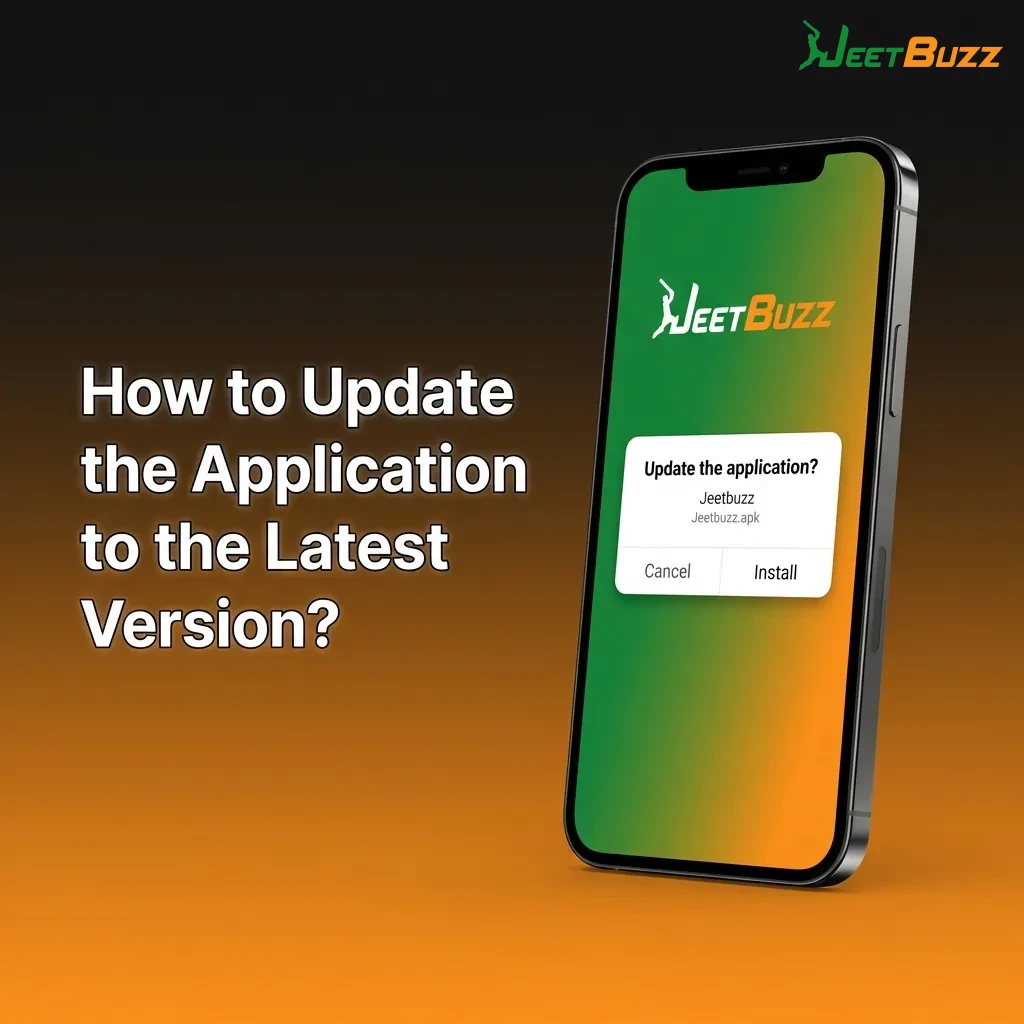
Updates fix security vulnerabilities, improve payment processing speed, and add new betting markets for upcoming tournaments. Outdated versions may crash during live matches or fail to load casino games from newer providers like Pragmatic Play and Evolution Gaming. You also miss out on exclusive mobile-only promotions that require the latest version to activate. Update notifications appear in the application, so enable push alerts to stay informed about new releases.
Placing a bet through the application takes less than 10 seconds once you have deposited funds.
Open the application and tap ‘Sports’ at the bottom navigation bar.
Select your preferred sport (Cricket, Football, Kabaddi) and choose a match from the live or upcoming list.
Tap the odds for your chosen outcome to add it to the bet slip.
Enter your stake amount, review the potential payout, and tap ‘Place Bet’ to confirm.
Deleting the application removes the icon from your device but does not close your account or forfeit your balance. On Android, press and hold the application icon, then drag it to ‘Uninstall’ or tap the ‘Remove’ option. On iOS, press and hold the PWA icon, tap ‘Remove App’, and confirm deletion.
Logging in takes under five seconds if you saved your credentials during registration.
Open the application from your home screen.
Tap ‘Login’ on the welcome screen.
Enter your registered mobile number or email address.
Type your password and tap ‘Submit’.
Access your account dashboard and start betting immediately.
The mobile application delivers faster performance than browser-based betting, with dedicated features for live sports, casino games, and account management. You get push notifications for match updates, one-tap deposits, and instant withdrawal confirmations. All features work offline for account browsing, but live betting and casino games require an active internet connection.
Live betting markets update every 3-5 seconds during cricket matches, with odds adjustments happening in real time as wickets fall or boundaries are scored. The application covers PSL, IPL, international cricket, football leagues (Premier League, La Liga), and kabaddi tournaments. The interface displays live scores at the top of the screen, so you can track match progress without switching tabs. Cash-out options appear instantly when available, letting you secure profits or minimize losses before the match ends. Live streaming is available for selected cricket matches and football games, but you must have a funded account to access video feeds.
The casino section loads over 2,000 games from providers like Pragmatic Play, Evolution Gaming, Ezugi, and NetEnt. Slots open in under two seconds, and live dealer tables (Andar Bahar, Teen Patti, Roulette, Blackjack) connect within five seconds of tapping. Game thumbnails display RTP percentages and jackpot amounts before you load them, so you can choose high-payout options quickly. The search bar filters games by provider, category (slots, table games, live casino), or name. Demo mode is available for most slots, letting you test features before placing real-money bets.
Deposits process instantly through UPI, EasyPaisa, JazzCash, and bank transfer. The application saves your payment details securely, so repeat deposits take one tap and a PIN confirmation. All transactions use 256-bit SSL encryption to protect your financial data from third-party access. Minimum deposits start at PKR 300, and maximum limits vary by payment method.
| Feature | Details |
|---|---|
| Available Payment Methods | UPI, EasyPaisa, JazzCash, Bank Transfer, Nagad |
| Deposit Minimum | PKR 300 |
| Deposit Maximum | PKR 500,000 per transaction |
| Transaction Security | 256-bit SSL encryption |
| Processing Time | Instant (0-60 seconds) |
Withdrawals process within 24 hours for verified accounts, with UPI and JazzCash being the fastest methods (2-6 hours). You must complete KYC verification by uploading a CNIC copy and proof of address before requesting your first withdrawal. The application displays pending withdrawal status in the ‘Transactions’ section, and you receive a push notification when funds reach your bank account or wallet. Maximum withdrawal limits depend on your VIP tier, starting at PKR 100,000 per day for standard accounts.
| Feature | Details |
|---|---|
| Available Withdrawal Methods | UPI, Bank Transfer, JazzCash, EasyPaisa |
| Withdrawal Minimum | PKR 1,000 |
| Withdrawal Maximum | PKR 100,000-500,000 (VIP-dependent) |
| Transaction Security | Two-factor authentication required |
| Processing Time | 2-24 hours |
The user profile section displays your current balance, active bonuses, and transaction history in one screen. You can update personal details (name, address, mobile number), change your password, and upload verification documents directly from the application. The ‘My Bets’ tab tracks all open and settled wagers, showing stake amounts, odds, and payout totals. Bonus progress bars indicate how much rollover remains before withdrawal, and you can opt in or out of promotional notifications from the settings menu.
Push notifications alert you to match results, deposit confirmations, withdrawal approvals, and exclusive mobile bonuses. You can customize notification types in the settings menu, choosing to receive only critical alerts (withdrawals, security warnings) or all promotional offers. The application sends reminders for pending bets, expiring bonuses, and upcoming matches you have previously wagered on. Notifications arrive instantly, even when the application is closed, as long as you granted permission during installation.
The application uses 256-bit SSL encryption for all data transfers, meaning your login credentials, payment details, and personal information remain protected during transmission. Two-factor authentication (2FA) adds a second verification layer when logging in from new devices, requiring a one-time password sent to your registered mobile number. All payment transactions route through PCI-DSS certified gateways, ensuring your bank details never reach third-party servers. The application stores no sensitive data locally on your device, so uninstalling it does not leave traces of your account information. Automatic logout triggers after 15 minutes of inactivity, preventing unauthorized access if you leave your phone unattended.
The application requests access to your device storage to save the APK file and cache game data for faster loading times. Internet permission is mandatory to connect to betting markets, process deposits, and stream live casino games. Push notification access allows the application to send bet confirmations, deposit alerts, and bonus expiry reminders. Location services are optional but recommended for verifying you are in Pakistan, as required by the Curaçao licence. The application does not access your contacts, camera, or microphone unless you manually upload verification documents or use customer support video calls.
The APK file is scanned for malware before every release and hosted directly on this official website. No third-party sites are involved in the download process.
Your account works across all devices. Log in with the same credentials on Android, iOS, or desktop to access your balance and bet history.
Verification completes within 24 hours after you upload your CNIC and proof of address. You can deposit and bet immediately, but withdrawals require verified status.
Android users must download new APK files when updates release. iOS PWA users receive updates automatically when opening the application.
Most slots offer demo mode, but live casino games and sports betting require a funded account. Create an account and browse available demo games from the casino lobby.
Your bet registers on the server the moment you tap ‘Place Bet’. If the application crashes, reopen it and check ‘My Bets’ to confirm your wager was recorded.
Mobile players receive the same bonuses as desktop users, but some promotions are exclusive to the application. Check the ‘Promotions’ tab for current mobile-only offers.
Withdrawals must go to the same payment method used for deposits. If you deposited via JazzCash, your withdrawal processes through JazzCash only.
Updated: