
Step 1: Open Jeetbuzz Link in Safari
Open Safari on your iPhone or iPad and go to the official Jeetbuzz iOS page using the download button below. Make sure you use Safari, because iOS only allows home screen web apps from this browser.
Jeetbuzz iOS app gives you real-money sports betting and casino games directly on your iPhone or iPad. You place bets in BDT, use local payments, and cash out fast. The app is built for Bangladesh conditions, low data use, and quick loading.
After install, you can claim Free 7 Lucky Spins on Slots & Fishing, 25% Cashback on Live Casino & Table Games, and 50% Sports Refund on your first losses. Download the Jeetbuzz iOS app, sign in, and start playing on your phone within minutes.
Free 7 Lukcy Spins (Slots & Fishing), 25% Cashback (Live Casino & Table Game), 50% Sports Refund
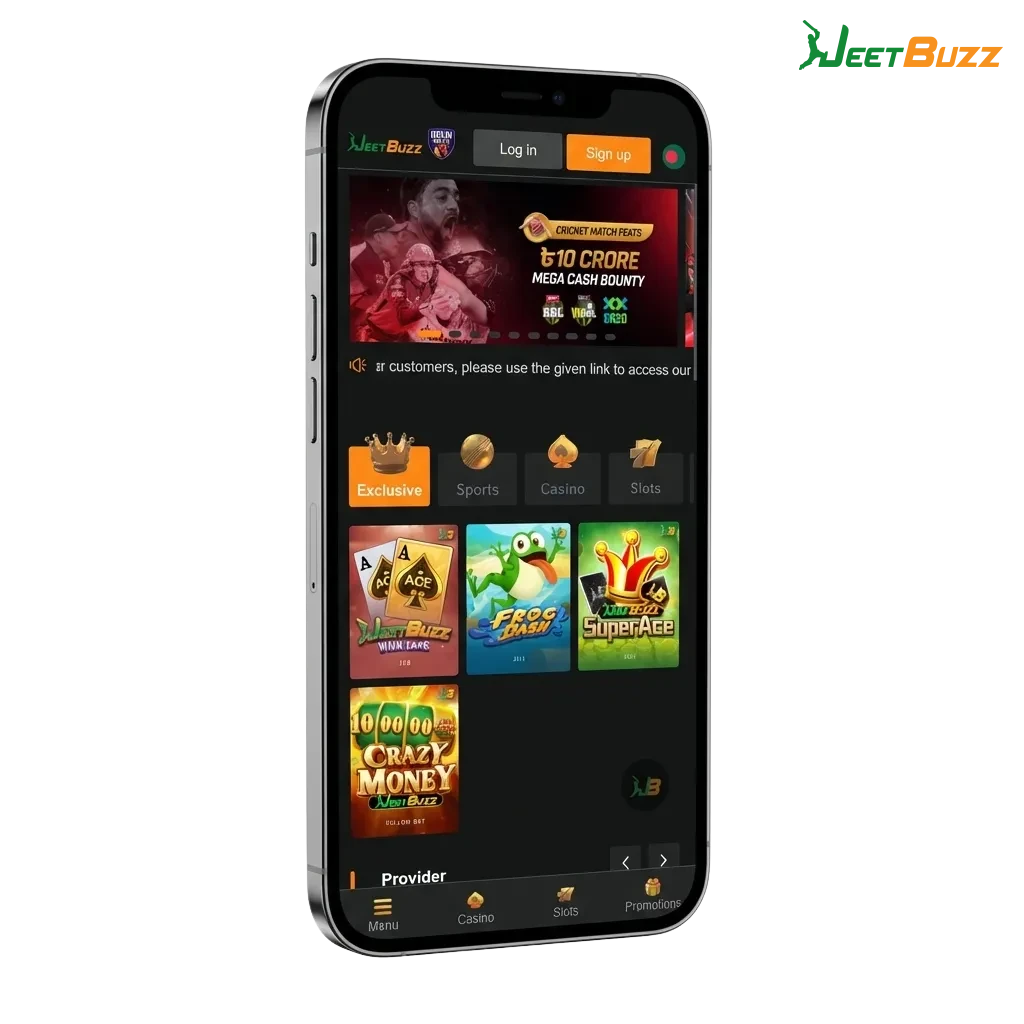
Jeetbuzz app for iOS is a mobile web-based betting and casino platform tailored for Bangladesh users. You access it through your browser but save it to your home screen like a normal app. This keeps the size light, removes manual updates, and still gives full access to sports, slots, and live casino.
Below is a quick view of what you get on Jeetbuzz iOS in Bangladesh.
| Feature | Details |
|---|---|
| Approx. app size | Very light, runs as PWA shortcut in Safari |
| Last update | Updates applied automatically on server side |
| Casino welcome perks | Free 7 Lucky Spins on Slots & Fishing, 25% Cashback on Live Casino & Table Games (for new users, T&Cs apply) |
| Sports welcome perk | 50% Sports Refund on first settled bets (T&Cs apply) |
| Supported languages | English, Bengali (where available in interface and support) |
| Main payment methods | bKash, Nagad, Rocket, local bank transfer, international cards (availability may change) |
| Promo code support | Promo code field usually available during registration or deposit when campaigns run |
This setup gives you a flexible iOS betting experience that feels like a native app but behaves like the latest website version every time you open it.
You do not need the App Store to use Jeetbuzz on iOS. You install it as a shortcut from Safari, which then works like a normal app icon and opens the full mobile site.
Open Safari on your iPhone or iPad and go to the official Jeetbuzz iOS page using the download button below. Make sure you use Safari, because iOS only allows home screen web apps from this browser.
Once the site loads, tap the registration button if you are new, or the login button if you already have an account. Fill in your details, confirm your phone or email if needed, and access your betting dashboard.
Tap the Safari “Share” icon at the bottom of the screen. Scroll down the options and tap “Add to Home Screen”. Confirm the name “Jeetbuzz” and tap “Add” so the icon appears next to your other apps.
Tap the new Jeetbuzz icon on your home screen to launch the platform in one touch. You will enter straight into the mobile interface, where you can deposit, bet, play casino, and request withdrawals.
Jeetbuzz runs inside your Safari browser, so hardware demands stay low. Most modern iPhones and iPads in Bangladesh can handle it easily.
| Requirement | Minimum Spec |
|---|---|
| iOS version | iOS 11.0 or higher recommended |
| Processor | Dual-core 1.4 GHz or better (iPhone 6 or newer) |
| RAM | At least 1 GB (2 GB or more gives smoother live streaming and casino) |
If your device runs recent iOS versions and can handle video smoothly, you can use Jeetbuzz without problems.
Jeetbuzz iOS shortcut app works on most modern Apple devices common in Bangladesh. Here are some examples:
If your Apple device can run a recent Safari version, it is usually fine for Jeetbuzz betting and casino play.
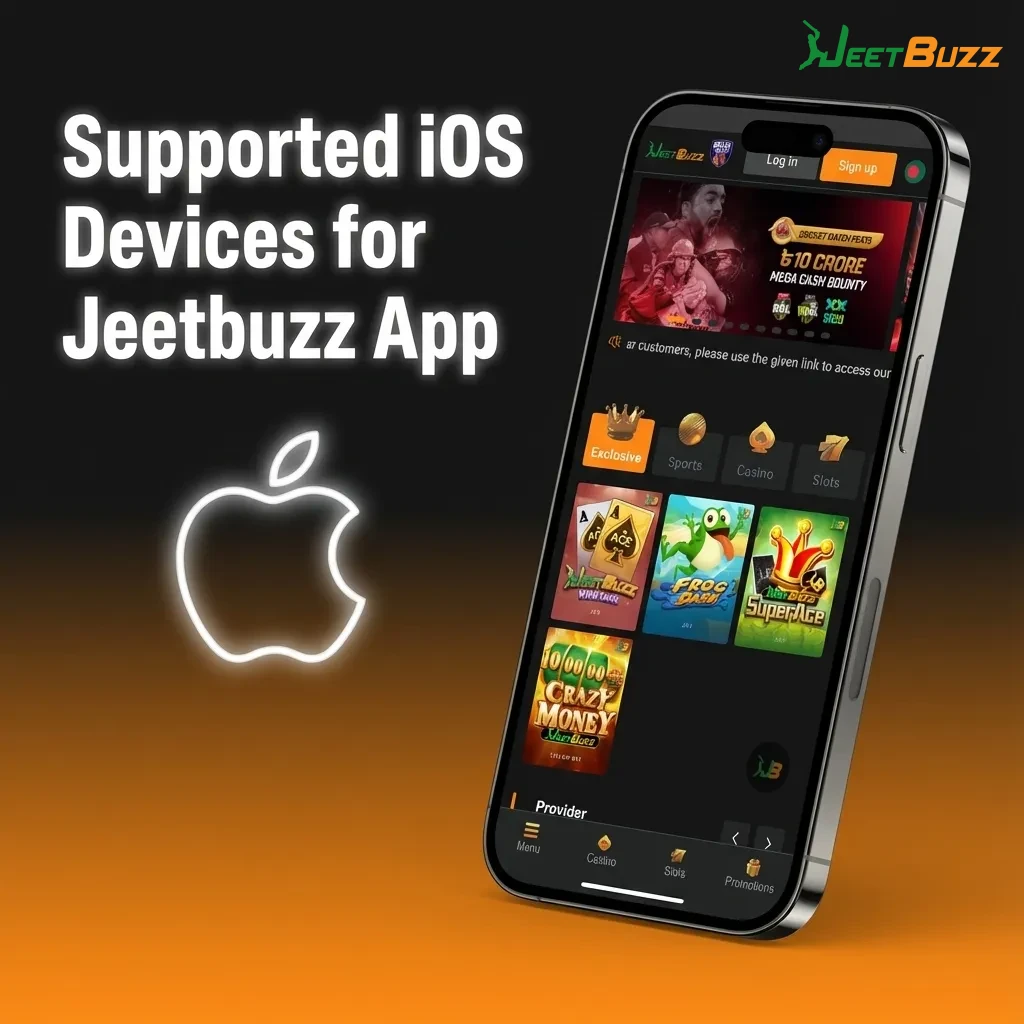
Jeetbuzz works as a PWA (Progressive Web App), so you do not download from the App Store. Instead, you save the mobile site to your home screen and it behaves like a fast app shortcut.
Use Safari on your iPhone or iPad and tap the “Download for iOS” button on this page. The Jeetbuzz mobile version will open and load the latest layout for Bangladesh.
On the landing page, tap the registration button, enter your mobile number, password, and other requested data. Confirm the account so you can deposit in BDT and claim the welcome rewards.
After logging in, tap the “Share” icon at the bottom of the Safari window. This opens a menu of actions for the page you are viewing.
In the share menu, scroll and tap “Add to Home Screen”. Confirm the name as “Jeetbuzz” and add it. You will now see a Jeetbuzz tile on your home screen that acts like your iOS betting app.
After installing Jeetbuzz on your iOS device, you can access promotions for new Bangladesh users. You get Free 7 Lucky Spins on Slots & Fishing, 25% Cashback on Live Casino & Table Games, and a 50% Sports Refund on first bets, subject to terms and conditions.
Main bonus types you can expect:
You can see the exact bonus rules in the promotion section of the app before claiming anything.
On Jeetbuzz iOS you can bet on pre-match and live events in many sports. Odds update quickly and you can place bets in a few taps.
Popular sports covered in the app include:
This coverage lets you follow top global events and local Bangladesh interests in one mobile app.
Jeetbuzz lets you combine markets and use flexible bet structures, so you can manage risk and possible returns the way you prefer.
These options help you adjust your betting style from simple match winners to more advanced strategies.
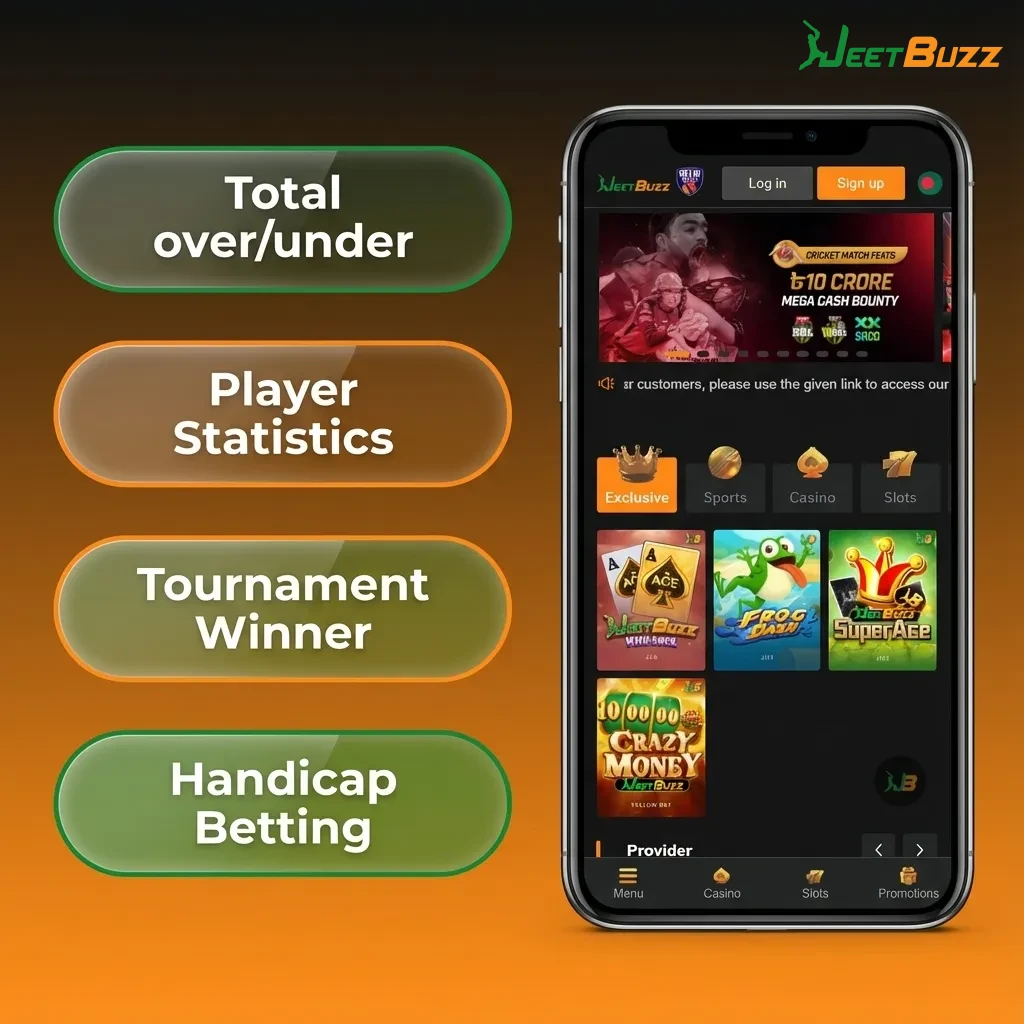
You can place a bet in a few taps once your account is set up and funded. The interface is built for quick betting on mobile data in Bangladesh.
Your bet will appear in the bet history, where you can track status and settlement.
The casino area of Jeetbuzz iOS includes slots, live dealer tables, and instant games from well-known providers suited to Bangladesh players.
Popular game categories and titles include:
You can switch between sports and casino using the main menu without leaving the iOS app shortcut.
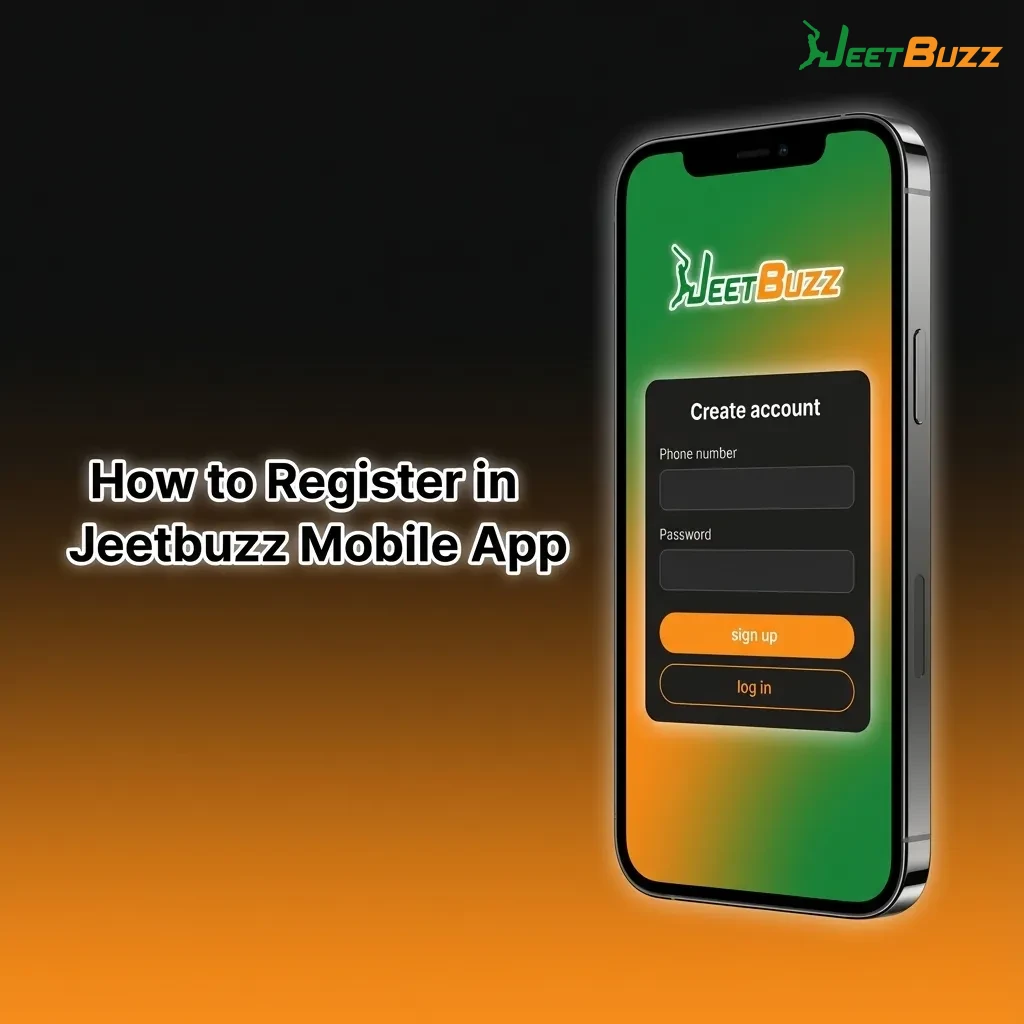
You must register an account to bet or play for real money on Jeetbuzz iOS. The process is short and built around Bangladesh users.
After registration, you can deposit and claim the welcome rewards shown in the promo section.
Logging in from your iOS device takes only a few seconds once your home screen shortcut is set.
For faster login later, keep the shortcut on your main home screen page where you can access it in one tap.
You do not need to visit the App Store or download new files to update Jeetbuzz on iOS. The app works as a shortcut to the mobile site, so you always see the latest version every time you open it.
When Jeetbuzz adds new features, sports markets, or casino providers, these updates load in the background on the server side. Your home screen icon will still open the same link, but the content and functions you see will already be updated.
This setup means you avoid large downloads and can rely on the app staying current for odds, bonuses, and payment options in Bangladesh.
Jeetbuzz supports local banking methods so you can deposit and withdraw in BDT. Minimum and maximum limits depend on the chosen method and your account status, but deposits often start from a few hundred BDT and withdrawals scale higher for verified users.
Common payment options for Bangladesh include:
You can see exact limits, fees, and processing times in the cashier section of your Jeetbuzz account.
Once you have an account, you can top up your balance directly from the iOS app shortcut. Deposits usually confirm within minutes, depending on the provider.
After your deposit appears, you can place bets and activate any available deposit-related bonuses.
You can cash out your Jeetbuzz balance from the same iOS interface used for betting. Processing time depends on payment method and verification status.
You can monitor your withdrawal status in the transaction history section of your profile.
Jeetbuzz iOS app is tuned to how Bangladesh players use mobile internet. You get fast access, low storage usage, and localised payments in BDT.
Key features include:
These advantages make the Jeetbuzz iOS experience smoother than using the site only in a browser tab.
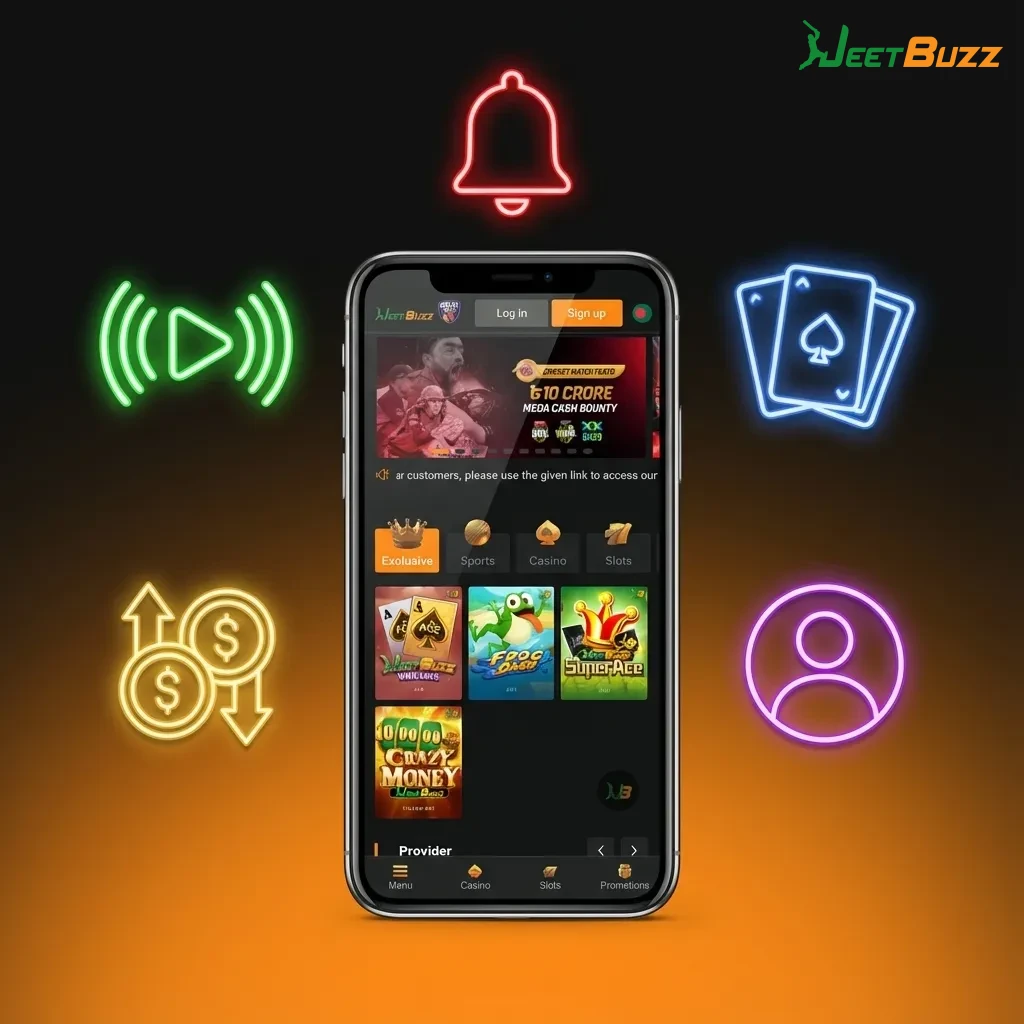
Jeetbuzz support team helps you handle account issues, payments, bonuses, and betting questions at any time. Service is oriented around Bangladesh players, including help for local payment problems and basic betting guidance.
Main support channels include:
| Method | Details |
|---|---|
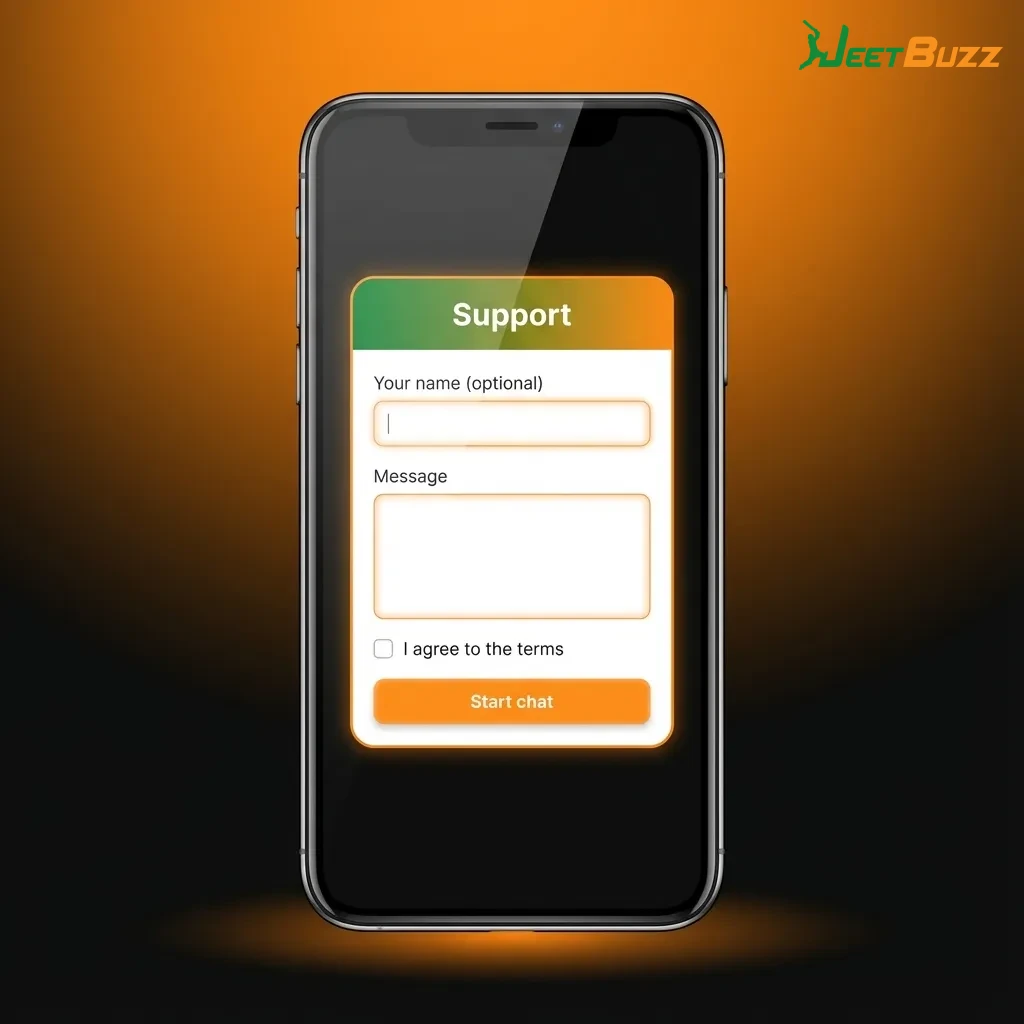
| Live chat | Available from the mobile site and iOS shortcut for instant help |
| Email support | Dedicated email address shown in the “Contact” section of the site |
| Help centre / FAQ | Library of common questions on registration, deposits, withdrawals, and bets |
| Social channels | Official Jeetbuzz pages where announcements and some support guidance may appear |
For time-sensitive problems like missing deposits or bet settlement questions, live chat is usually the fastest option from your phone.
Online gambling laws in Bangladesh are complex and not fully adjusted to modern online betting. Many users access international platforms like Jeetbuzz at their own discretion. You should check local regulations and decide based on your personal situation before depositing money.
The app shortcut opens the same secure mobile site you see in Safari. Your data is protected by the same encryption standards, and using the home screen icon mainly adds speed and convenience rather than extra risk.
The content is the same, but the app shortcut lets you access Jeetbuzz in one tap and keeps you logged in more consistently. You avoid typing the URL every time, which makes betting and casino play faster on mobile.
Yes, you can usually switch between decimal, fractional, and American odds formats in the settings or profile section. This helps you see odds in the style you understand best.
Deposits via mobile payments like bKash or Nagad often arrive within minutes after confirmation. Withdrawals can take longer because of internal checks and banking times, but you can see the estimated time for each method inside the cashier.
Updated: