
Click the Download for Android Button
Tap the “Download Android App” button on this page. Your browser opens the Jeetbuzz mobile site. You see the same registration and login options as desktop, only adapted for Android screens.
Jeetbuzz native Android and iOS apps are in development, so there is no APK or App Store file yet. You can still add Jeetbuzz to your home screen as a fast web app (PWA) and bet in Taka on mobile.
Start playing in minutes and receive Free 7 Lucky Spins on Slots & Fishing, 25% Cashback on Live Casino & Table Games, and 50% Sports Refund on your first settled bets.
Use the Jeetbuzz web app for full sportsbook, casino, fast deposits, and withdrawals, all optimised for players in Bangladesh.
Free 7 Lukcy Spins (Slots & Fishing), 25% Cashback (Live Casino & Table Game), 50% Sports Refund
You access the same Jeetbuzz platform on mobile as on desktop, only adapted for small screens and quick taps. The web app loads fast, saves your data securely, and lets you move from deposit to bet slip in seconds.
| Feature | Details |
|---|---|
| App type | Mobile web app (PWA-style), no APK required |
| Approx. size on device | 1–5 MB browser cache only |
| Last major update | Regular live updates through the website |
| Welcome offers | Free 7 Lucky Spins, 25% Live Casino Cashback, 50% Sports Refund |
| Supported languages | English, Bangla (where available in interface and support) |
| Main currencies | Bangladeshi Taka (BDT) |
| Sports offered | Cricket, football, kabaddi, tennis, eSports and more |
| Casino providers | Pragmatic Play, Evolution, PG Soft, and other leading studios |
| Payment options in Bangladesh | bKash, Nagad, Rocket |
| Min deposit | From 200–500 BDT (varies by method and promo) |
| Min withdrawal | From 500–1,000 BDT (method-dependent) |
| Promo code support | Yes, promo code field available on registration/deposit forms |
| Live betting | Yes, in-play markets on major matches |
| Live casino | Yes, including roulette, blackjack, Andar Bahar, Teen Patti |
| Cash out option | Available on selected sports markets |
Using the Jeetbuzz web app gives you instant access to the full platform without any heavy downloads.
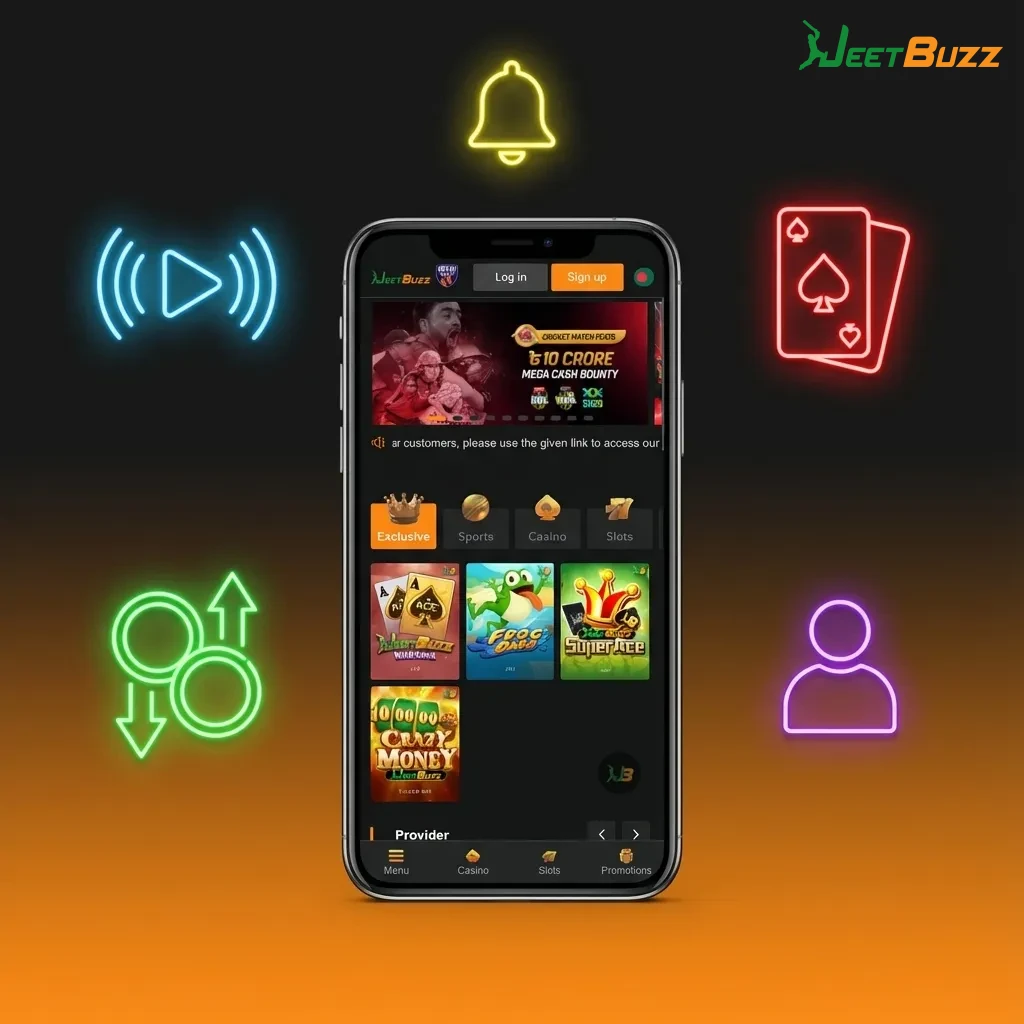
The Jeetbuzz mobile interface is clean, fast, and made for one-hand use. Main sports, live events, and top casino games sit in the bottom and top menus, so you reach any section in one or two taps.
Odds, game tiles, and deposit buttons use large, readable elements that are easy to tap on smaller Bangladeshi Android and iOS screens.
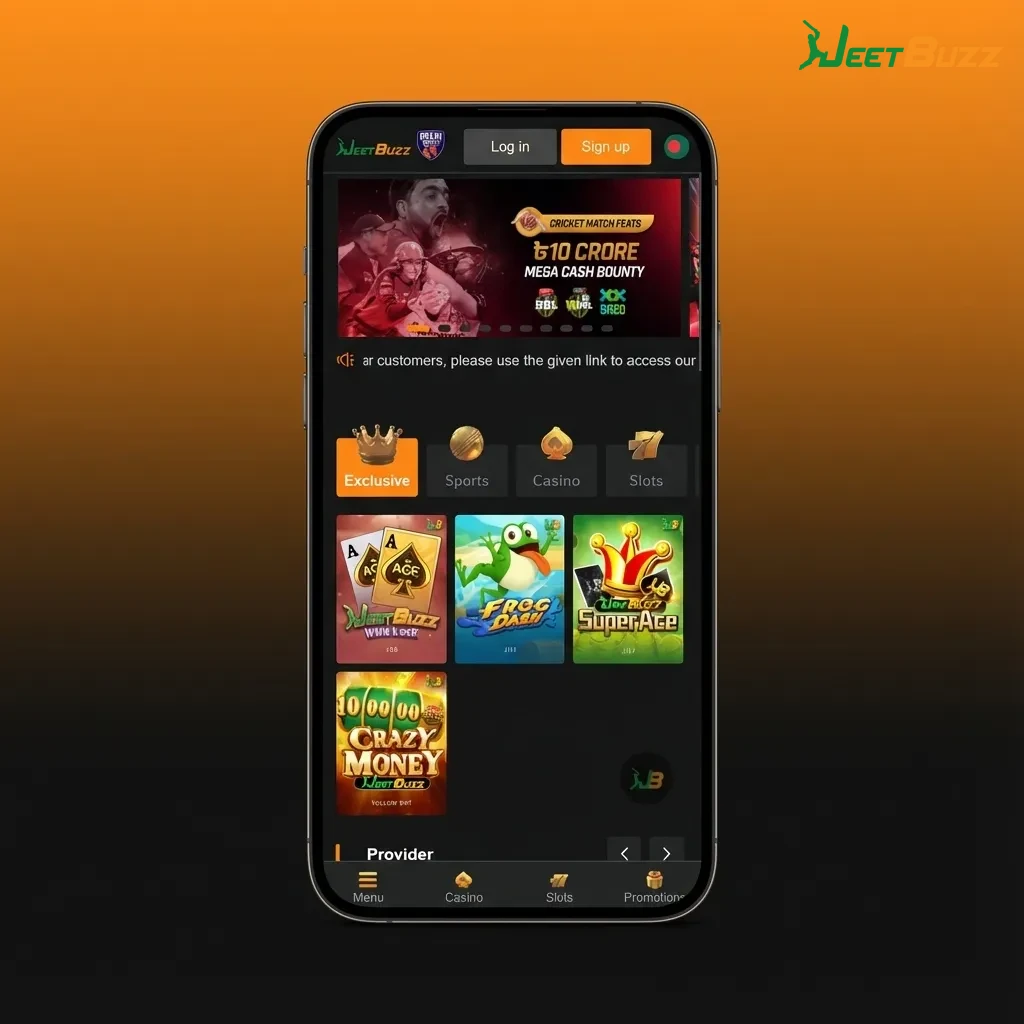
Tap the “Download Android App” button on this page. Your browser opens the Jeetbuzz mobile site. You see the same registration and login options as desktop, only adapted for Android screens.
Tap the sign-up button and fill in your phone, password, and currency (BDT). Confirm that you are 18+ and accept the terms. After registration, log in and go to the cashier to add funds using bKash, Nagad, or Rocket.
Once logged in, add the site to your home screen from your Chrome or mobile browser menu. Tap the new icon on your home screen to launch Jeetbuzz like a normal Android app any time.
Most modern Android phones in Bangladesh can handle the Jeetbuzz web app easily. Here are the recommended minimum specs.
| Requirement | Minimum for Stable Use |
|---|---|
| Android OS version | Android 7.0 Nougat or higher |
| CPU | 1.4 GHz quad-core or better |
| RAM | 2 GB or more |
| Free storage | At least 100 MB for browser cache |
| Internet | Stable 3G, 4G, 5G, or Wi-Fi |
If your phone meets or exceeds these specs, you can place bets, play casino games, and manage payments smoothly.
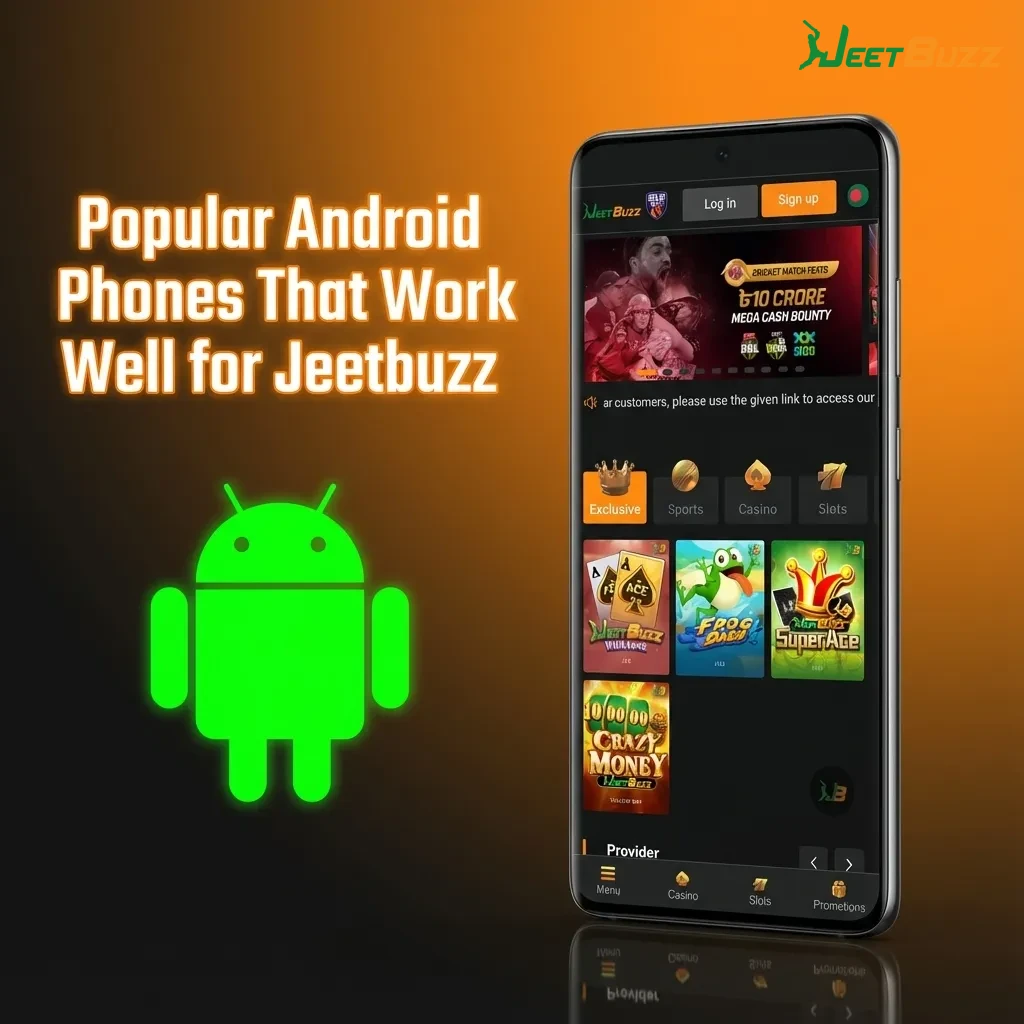
Here are examples of Android devices that fit the recommended requirements for Jeetbuzz in Bangladesh.
If your device is similar or newer than these models, you can expect a smooth Jeetbuzz mobile experience.
Tap the iOS download button on this page. Safari opens the Jeetbuzz mobile site. You see the same secure login and registration options as on desktop.
Tap sign-up, enter your mobile number and password, select BDT, and complete the form. Confirm your details and log in to your new Jeetbuzz account.
After logging in, tap the Share icon at the bottom of Safari (the square with an arrow). Scroll the options that appear until you see “Add to Home Screen”.
Choose the name (for example, “Jeetbuzz”) and confirm “Add”. A Jeetbuzz icon appears on your home screen. Use this icon later to open Jeetbuzz instantly like a normal iOS app.
Most recent iPhones and iPads in Bangladesh run Jeetbuzz easily. Here are the practical minimum requirements.
| Requirement | Minimum for Stable Use |
|---|---|
| iOS version | iOS 12.0 or higher |
| Processor | A10 Fusion chip or newer (1.8 GHz+ class) |
| RAM | 2 GB or more |
| Free storage | At least 100 MB for browser cache |
| Internet | Reliable 4G, 5G, or Wi-Fi connection |
If your Apple device matches these specs, betting, live odds, and casino games load fast and run smoothly.
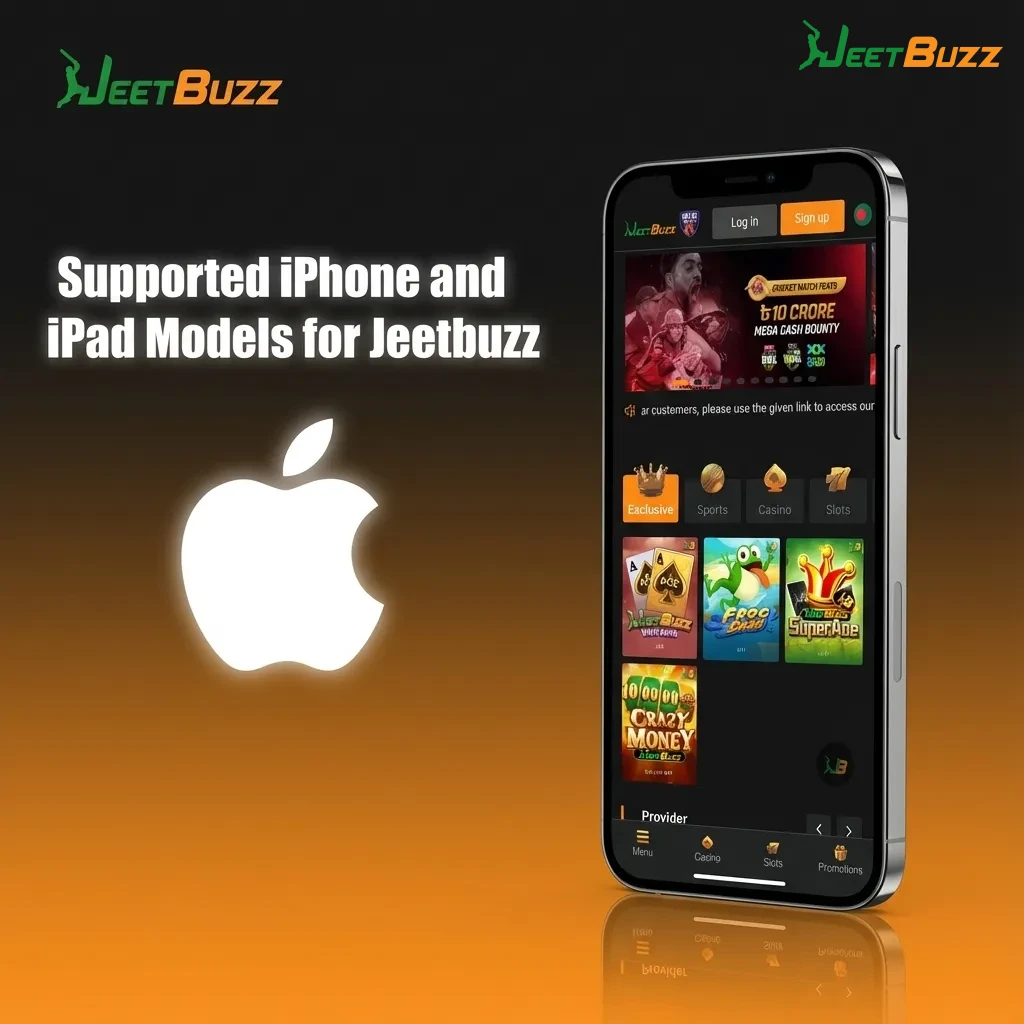
Below are examples of iOS devices that give a strong Jeetbuzz experience for Bangladesh users.
Any similar or newer iOS device can handle Jeetbuzz betting and casino play without issues.
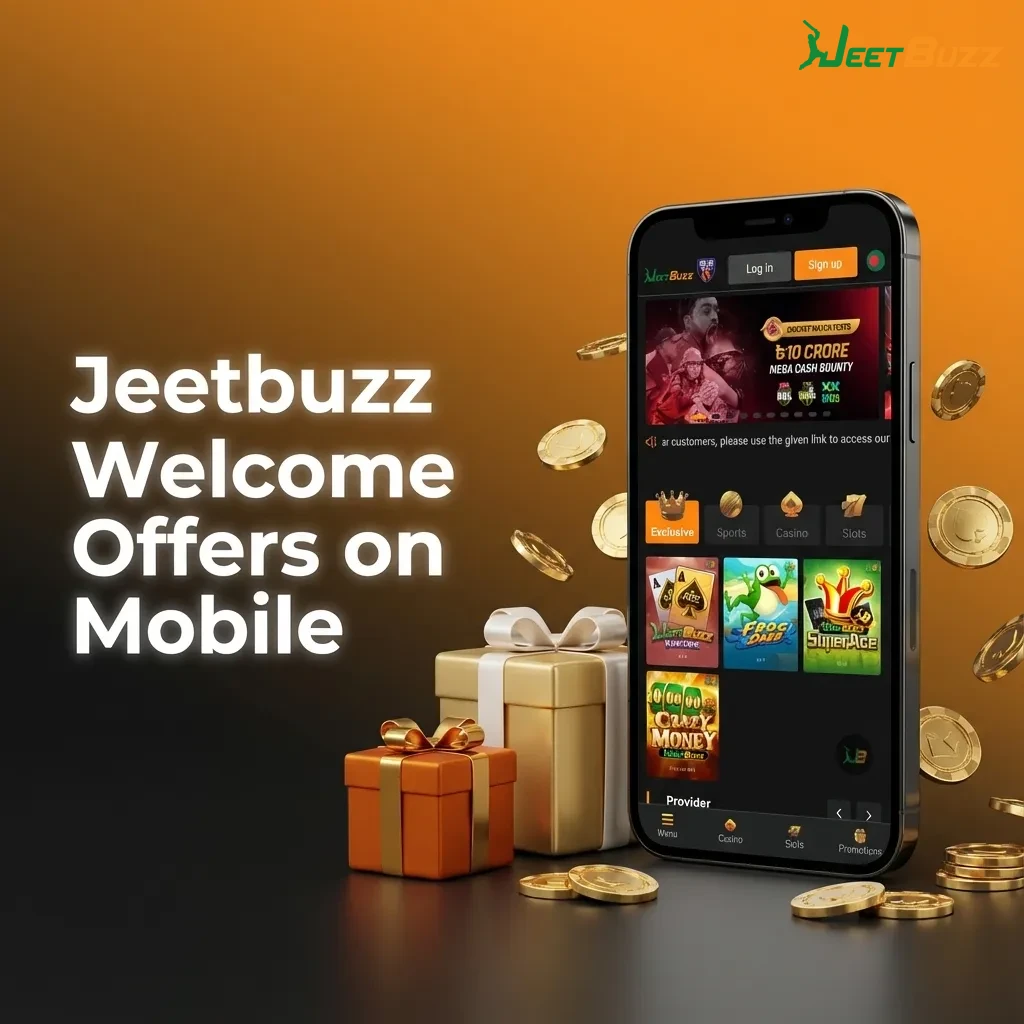
After you start using Jeetbuzz on mobile, you can claim several welcome rewards aimed at Bangladesh players.
Check the promo section and terms so you know the exact minimum deposit, rollover, and time limits for each bonus.
Jeetbuzz focuses on sports that matter to Bangladesh bettors and covers both local and international events.
This range of sports allows you to keep betting throughout the year, from big cricket tournaments to daily football matches.

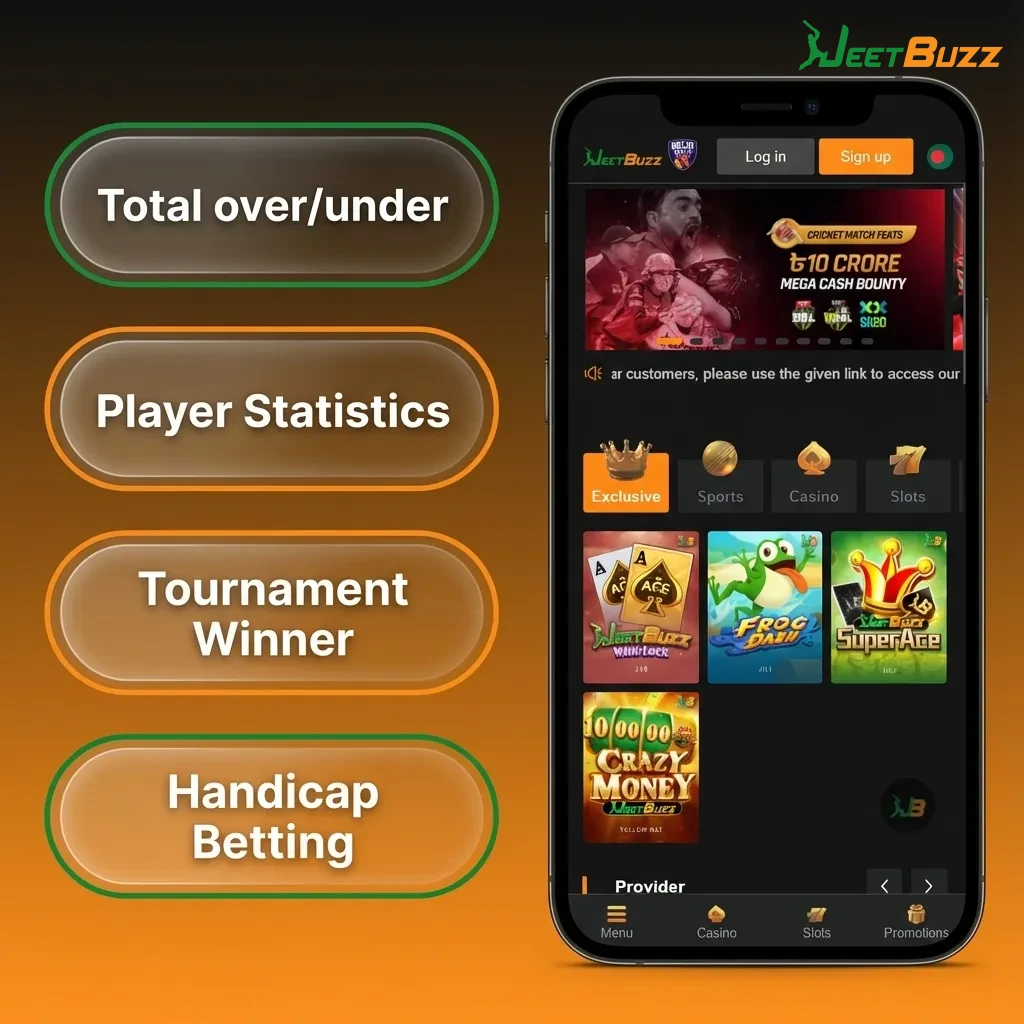
Jeetbuzz offers several bet types so you can manage risk or chase higher returns as you prefer.
Understanding these bet types helps you build slips that match your strategy and bankroll.
You can go from login to confirmed bet slip in only a few taps on your phone.
Log in to your Jeetbuzz account on the mobile site or home screen icon.
Tap “Sports” or “Live” and choose a sport, league, and match.
Tap the odds of the market you like, for example Match Winner or Over/Under.
Open the bet slip, enter your stake in BDT, and check potential returns.
Confirm the bet and wait for the result; you see the status in your betting history.
Following these steps helps you place bets quickly while keeping full control over stake and odds.
Jeetbuzz mobile casino offers hundreds of games, from classic slots to modern live tables from top providers.
You can open any game in landscape mode on your phone and enjoy full-quality graphics and live streaming.

Account creation takes only a short time, and you need it to deposit, claim bonuses, and withdraw in BDT.
Open the Jeetbuzz site in your mobile browser or tap the home screen icon.
Tap the “Register” or “Sign Up” button on the top of the screen.
Enter your mobile number, create a strong password, and choose your currency as BDT.
Add any promo code if you have one, and agree that you are 18+ and accept the terms.
Confirm registration; you may need to verify your phone or email before full access.
Completing these steps gives you a secure Jeetbuzz account that you can access from any device.
Logging in is fast, so you can move straight to betting or casino games.
Open the Jeetbuzz mobile site or tap the Jeetbuzz icon on your home screen.
Tap the “Login” button at the top of the page.
Enter your registered mobile number or username and password.
Tap “Login” again and wait a moment for your account dashboard to load.
Once logged in, you can see your balance, bonus status, and bet history in one place.
You do not need to download any new APK files or visit the App Store to update Jeetbuzz. The mobile app runs on the live website, so every feature, market, and game update appears instantly when you open the site.
Whenever Jeetbuzz improves odds display, adds new casino providers, or updates payment options, you see the changes automatically in your mobile browser or home screen shortcut.
This approach saves storage space on your phone and keeps you on the latest secure version at all times.
Jeetbuzz supports trusted Bangladeshi payment channels. Typical minimum deposits start from around 200–500 BDT, and minimum withdrawals often start from 500–1,000 BDT, depending on method and your account status.
These popular local methods help you move money between your Bangladeshi bank or wallet and Jeetbuzz in a familiar way.
Topping up your balance through the mobile site is quick and uses familiar Bangladeshi wallets.
Log in to your Jeetbuzz account on mobile and tap the “Deposit” or “Cashier” button.
Select a payment method such as bKash, Nagad, or Rocket.
Enter the deposit amount in BDT that meets the minimum limit and follow the shown instructions (for example, sending funds to a given number and confirming the transaction).
Wait for confirmation on the screen; your balance should update shortly after the payment is approved.
Always check the promo rules before depositing so you can match the minimum amount for your chosen bonus.
You can withdraw to the same type of Bangladeshi wallet or account used for deposits, subject to Jeetbuzz rules.
Log in on your phone and go to the “Withdraw” section in the cashier.
Choose your preferred method, such as bKash, Nagad, or Rocket, and enter the amount in BDT.
Fill in any required wallet or account details and confirm the request.
Wait for Jeetbuzz to review and process the withdrawal; timing can vary by method and verification status.
Make sure your account information and KYC documents are correct so your withdrawals are processed without delays.
The Jeetbuzz mobile version is built around fast betting, local payments, and full casino access for players in Bangladesh.
These features help you manage your full betting and casino journey from a single mobile browser tab.
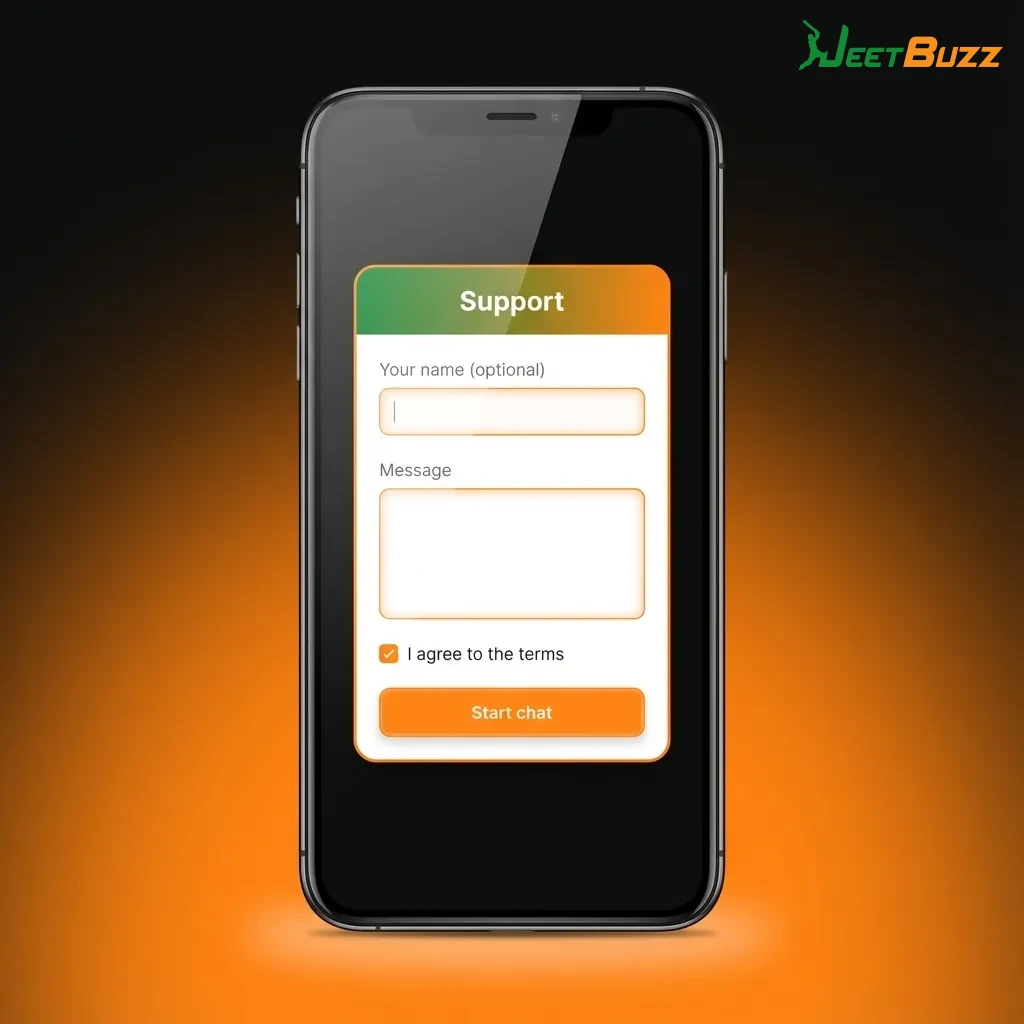
If you face any issue on Jeetbuzz, you can reach support directly from your phone.
| Support Channel | How You Use It |
|---|---|
| Live Chat | Open the chat icon on the Jeetbuzz site for instant help on betting, payments, and verification. |
| Email Support | Send a detailed question through the contact form or support email listed on the site. |
| Help Centre / FAQ | Browse help articles covering account, bonuses, and technical issues. |
Using these channels, you get guidance on both technical questions and betting-related topics.
Jeetbuzz operates as an international online gaming platform and accepts players from Bangladesh. Online betting laws in Bangladesh remain complex, so you should check local regulations and use the site at your own discretion.
No, there is no official Jeetbuzz APK or native app yet. You access Jeetbuzz through the mobile web app in your browser and can add it to your home screen for easy access.
Deposits through bKash, Nagad, and Rocket usually reach your Jeetbuzz balance within minutes. Withdrawals can take from several minutes to a few hours or more, depending on method, amount, and account verification.
No, you are expected to hold only one personal account. Multiple accounts can lead to restrictions on bonuses and withdrawals according to the site rules.
Use the “Forgot Password” link on the login page, then follow the instructions sent to your registered phone or email. After resetting your password, you can log in again and update your security details.
Reading these answers helps you avoid common issues and use Jeetbuzz mobile more confidently.
Updated: